3. WordPress Setup Using Ansible Playbook

👋 Hello! I'm passionate about DevOps & AWS Cloud. I have over 1.4 years of experience in IT Security and Cloud field. I'm proficient in a variety of cutting-edge technologies and always motivated to expand my knowledge and skills. Let's connect and grow together!
OS: Linux/Unix, Mac, Windows Cloud: AWS Containers: Docker Version Control: GIT, GitHub, GitLab, Bitbucket. CI/CD Tools: Jenkins Container Orchestration: Kubernetes Languages: Python, PowerShell, Shell scripting IAC: Terraform, Ansible, Chef, AWS Cloud Formation Web: Apache, Nginx, Tomcat
Open to opportunities. 🌱 #DevOps #AWS #CI/CD #Containers #Python #IaC #Cloud #Blogging #OpenToOpportunities
Working Step
Create 2 Instance Master and Node
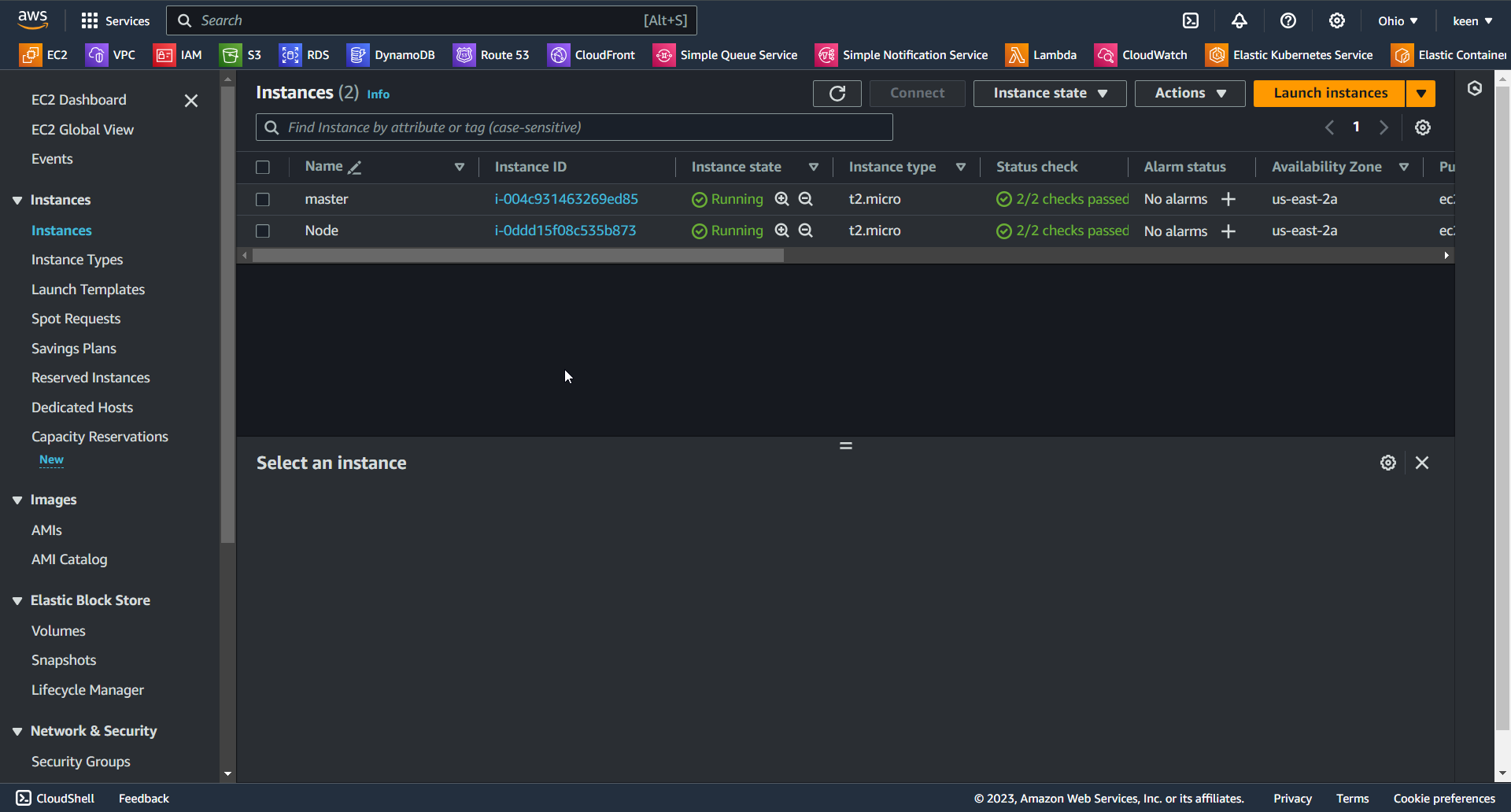
Access
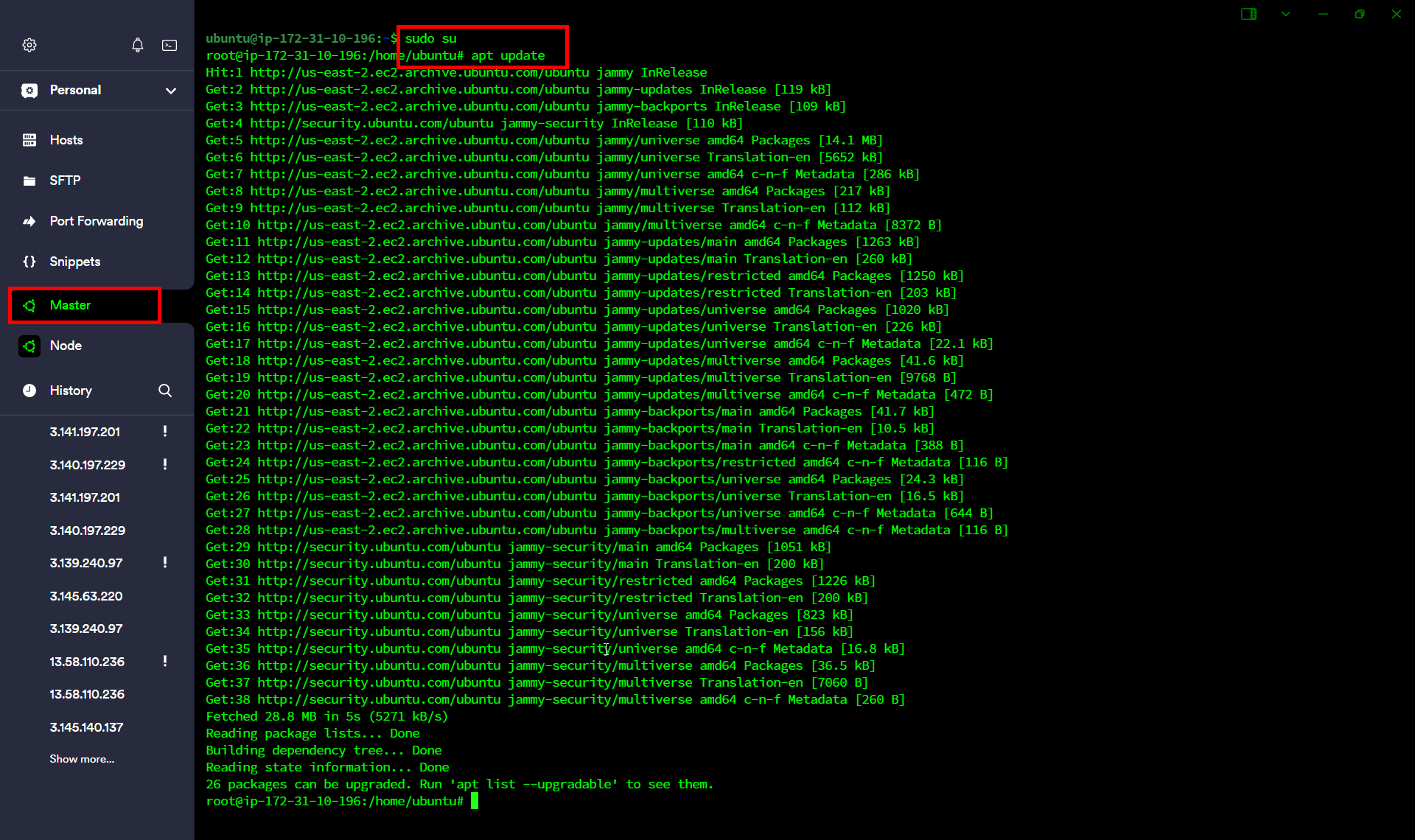
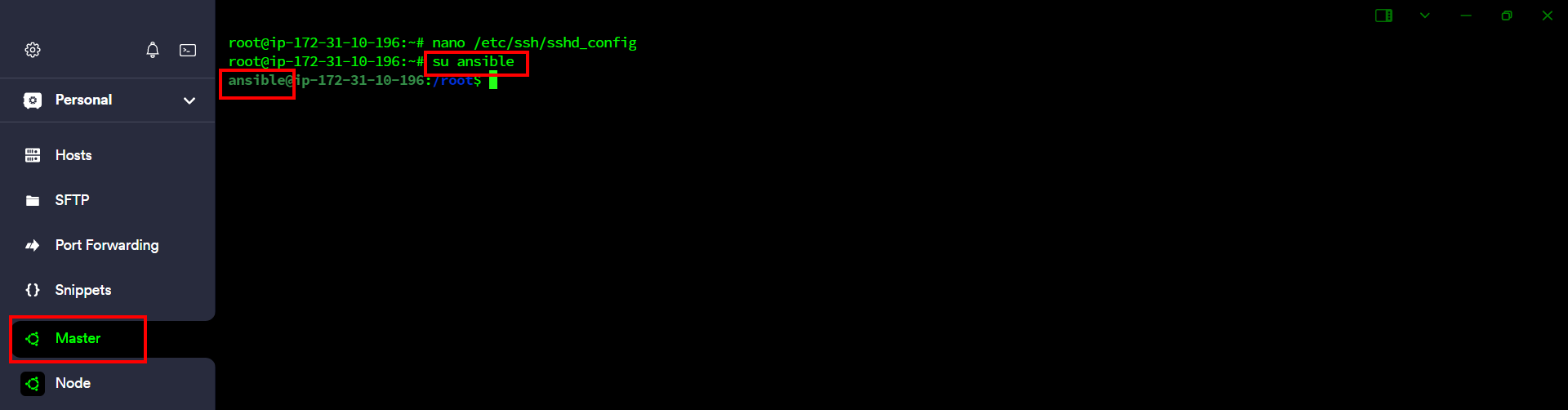
Follow these Steps on Master and Node
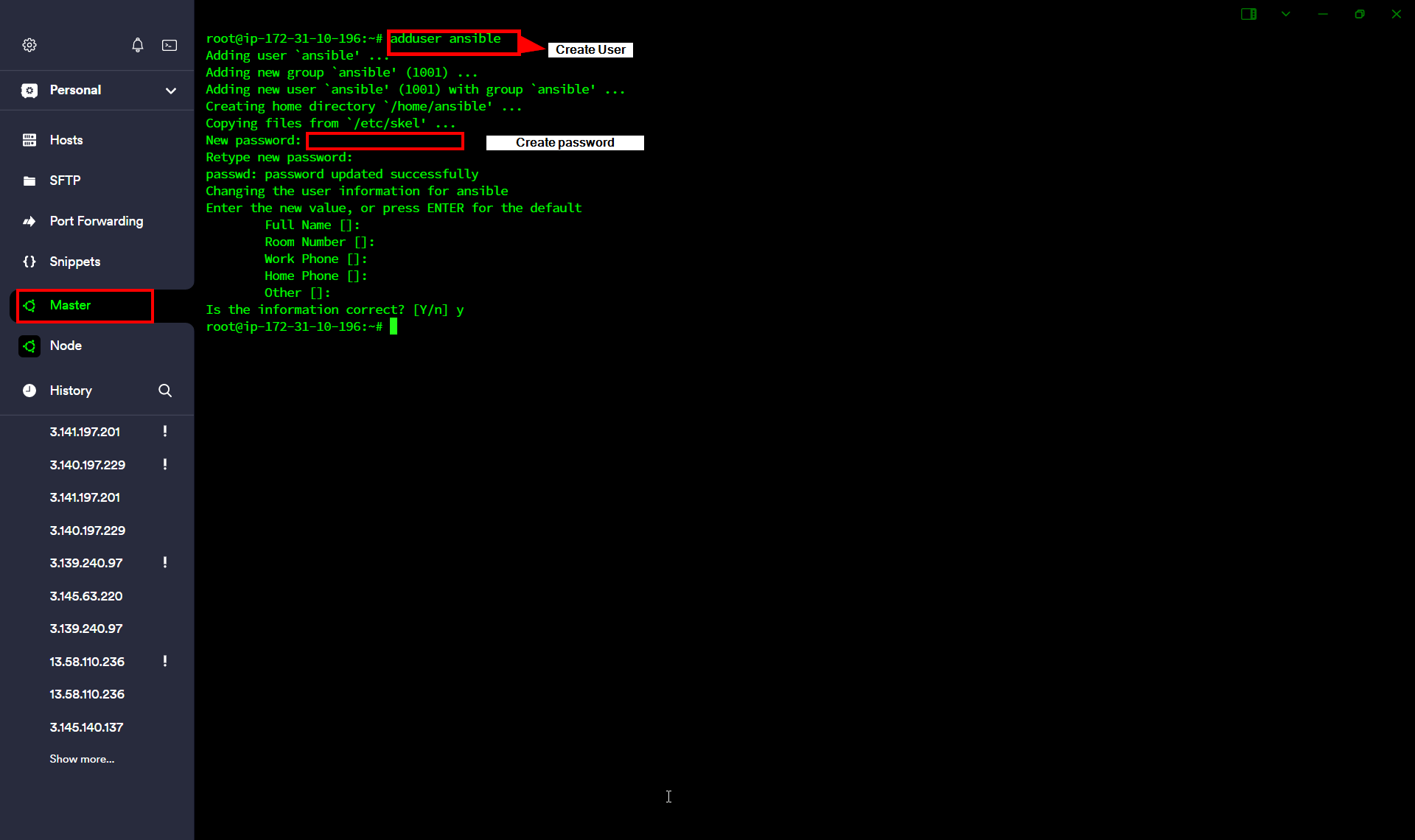
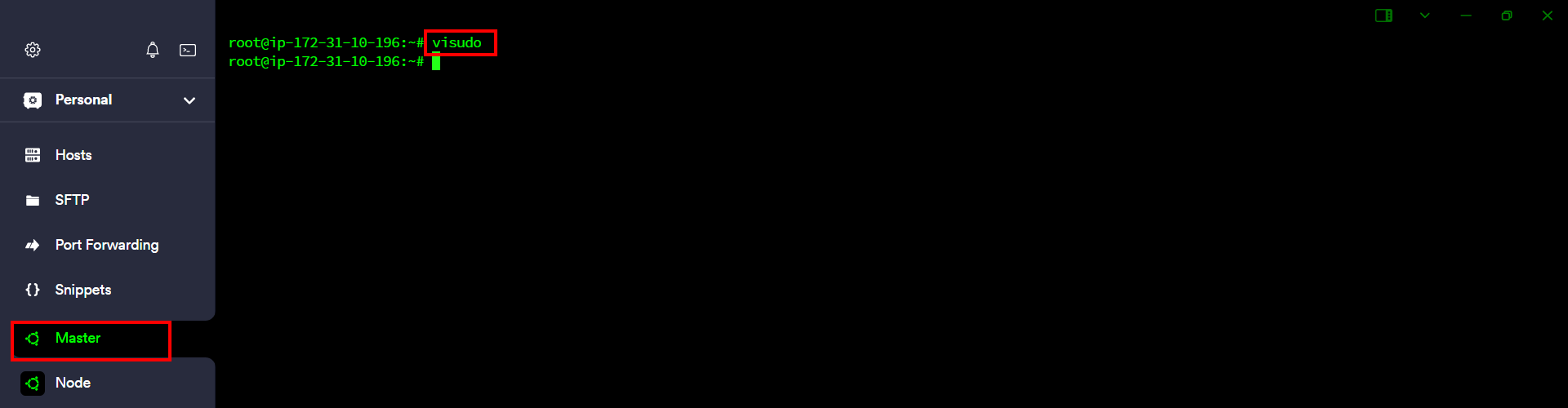
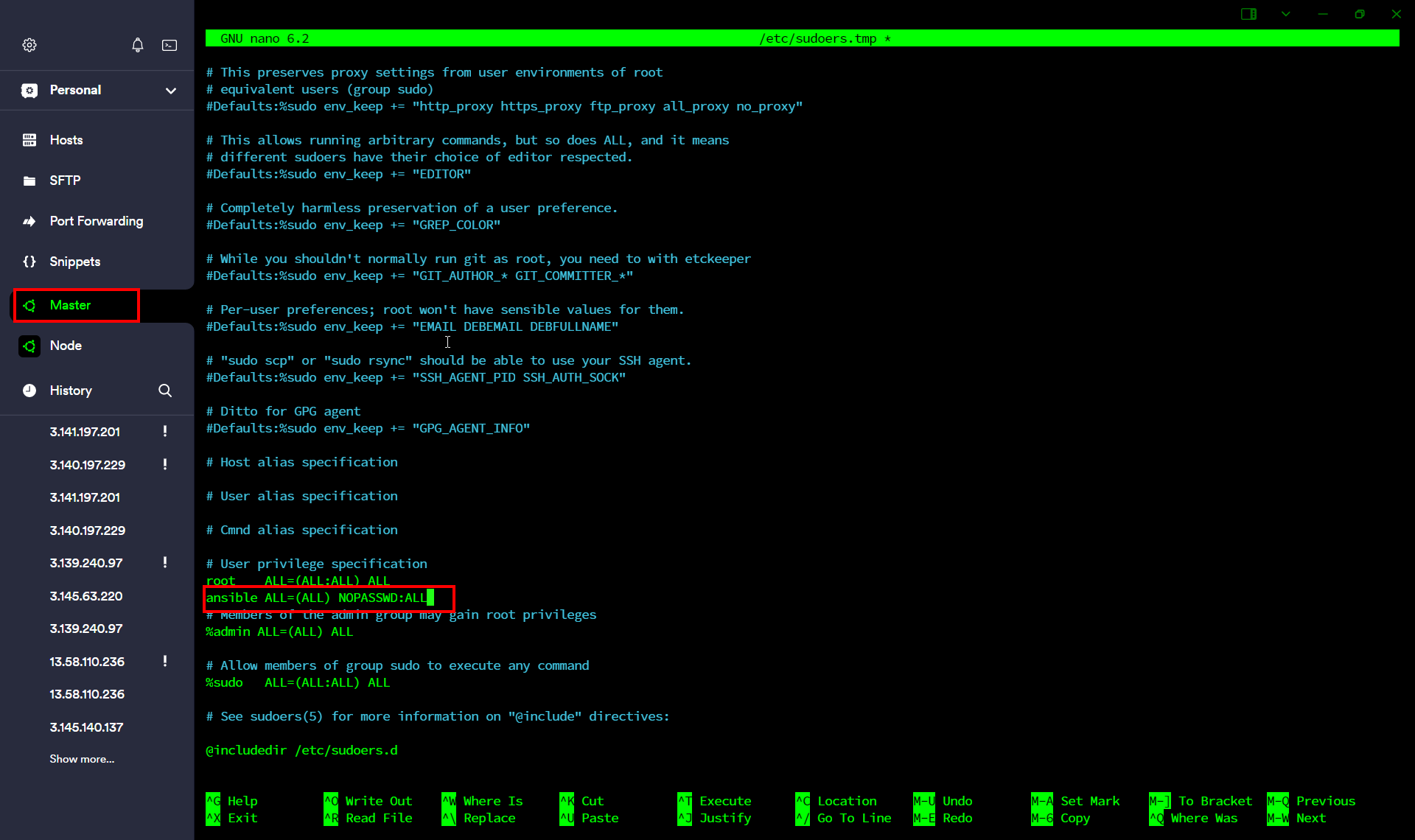
sudo nano /etc/ssh/sshd_config
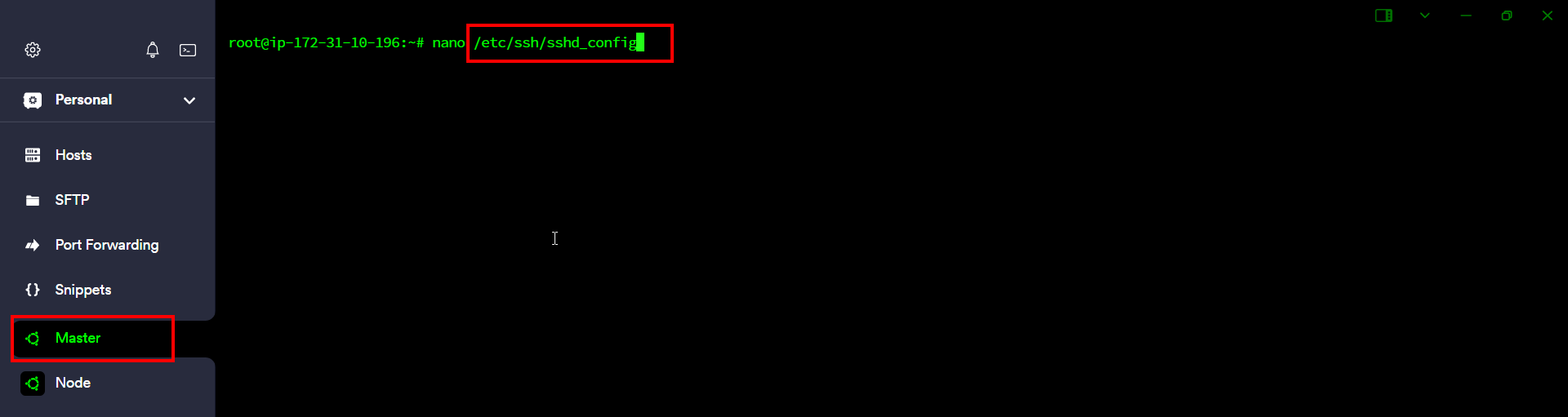
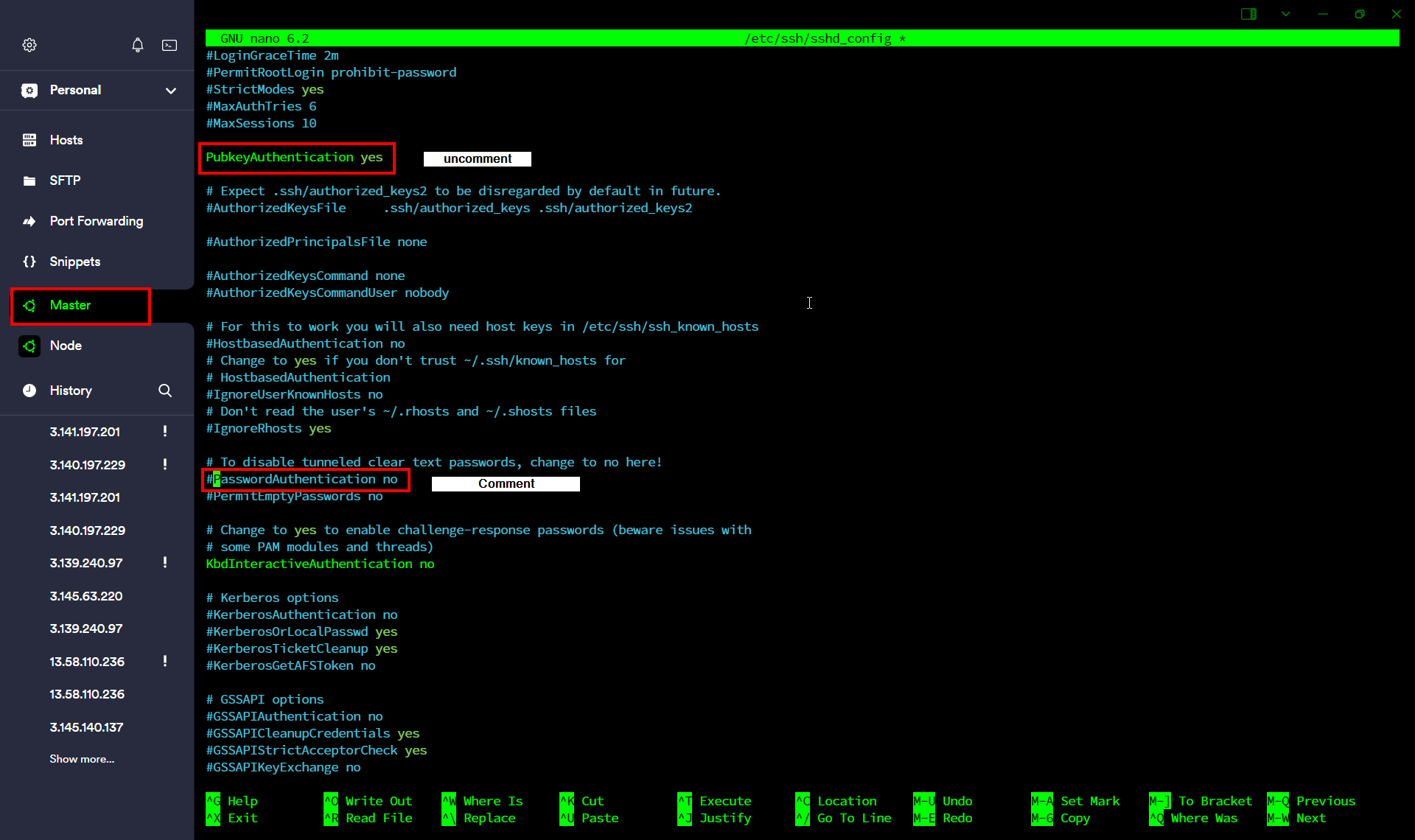
save file -> ctrl+x , Enter
ssh-keygen
Press Enter continuous
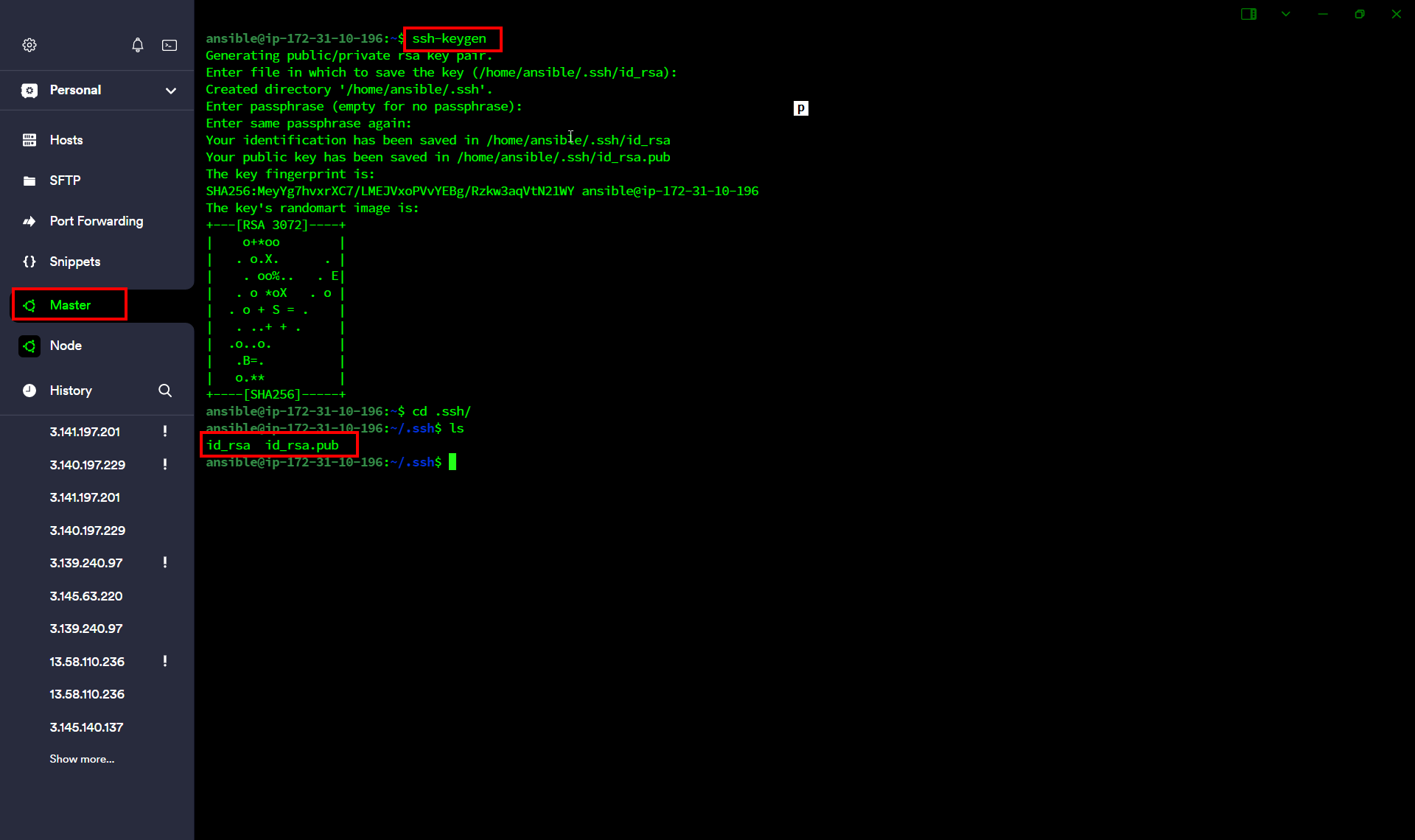
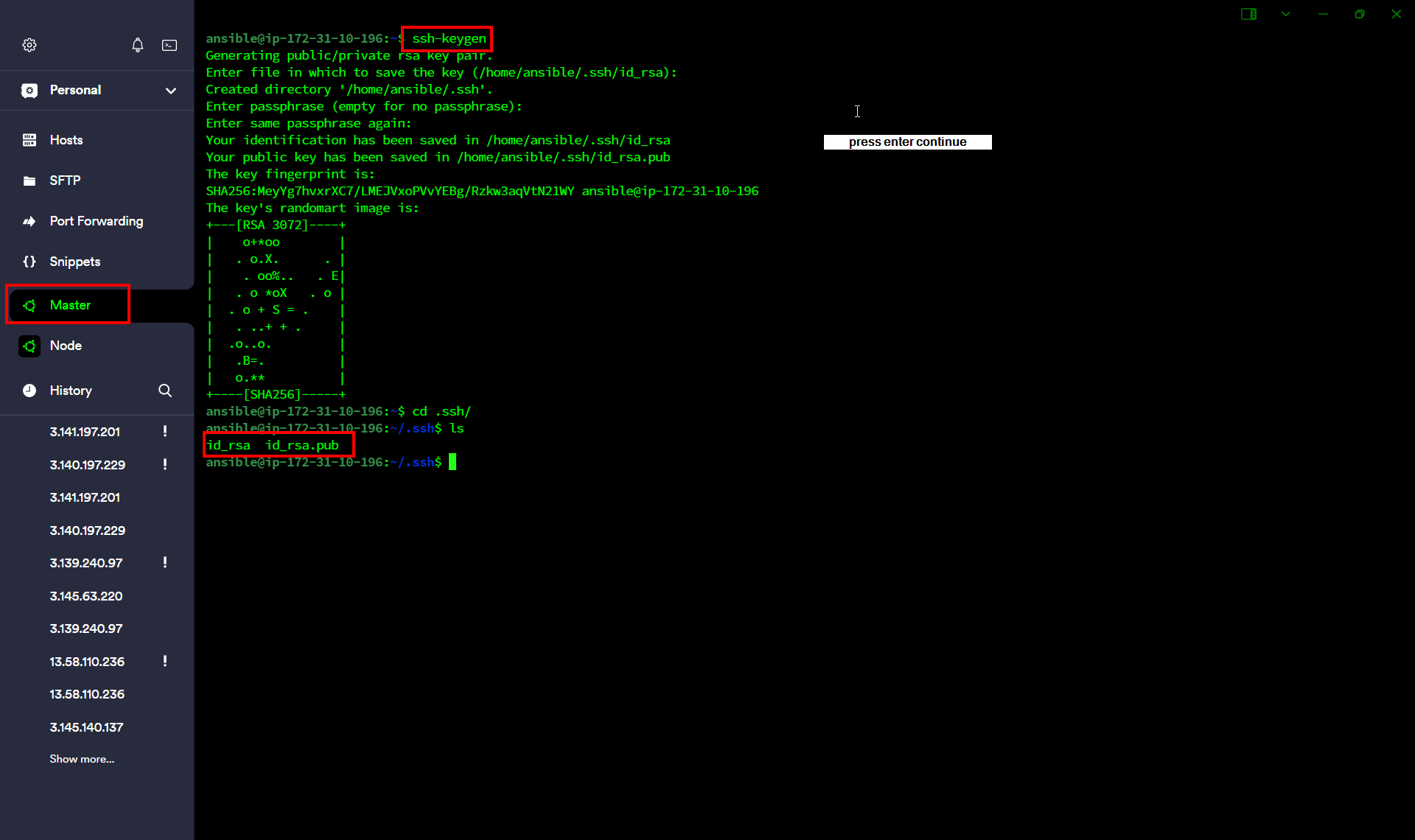
After Following Above Step in Node
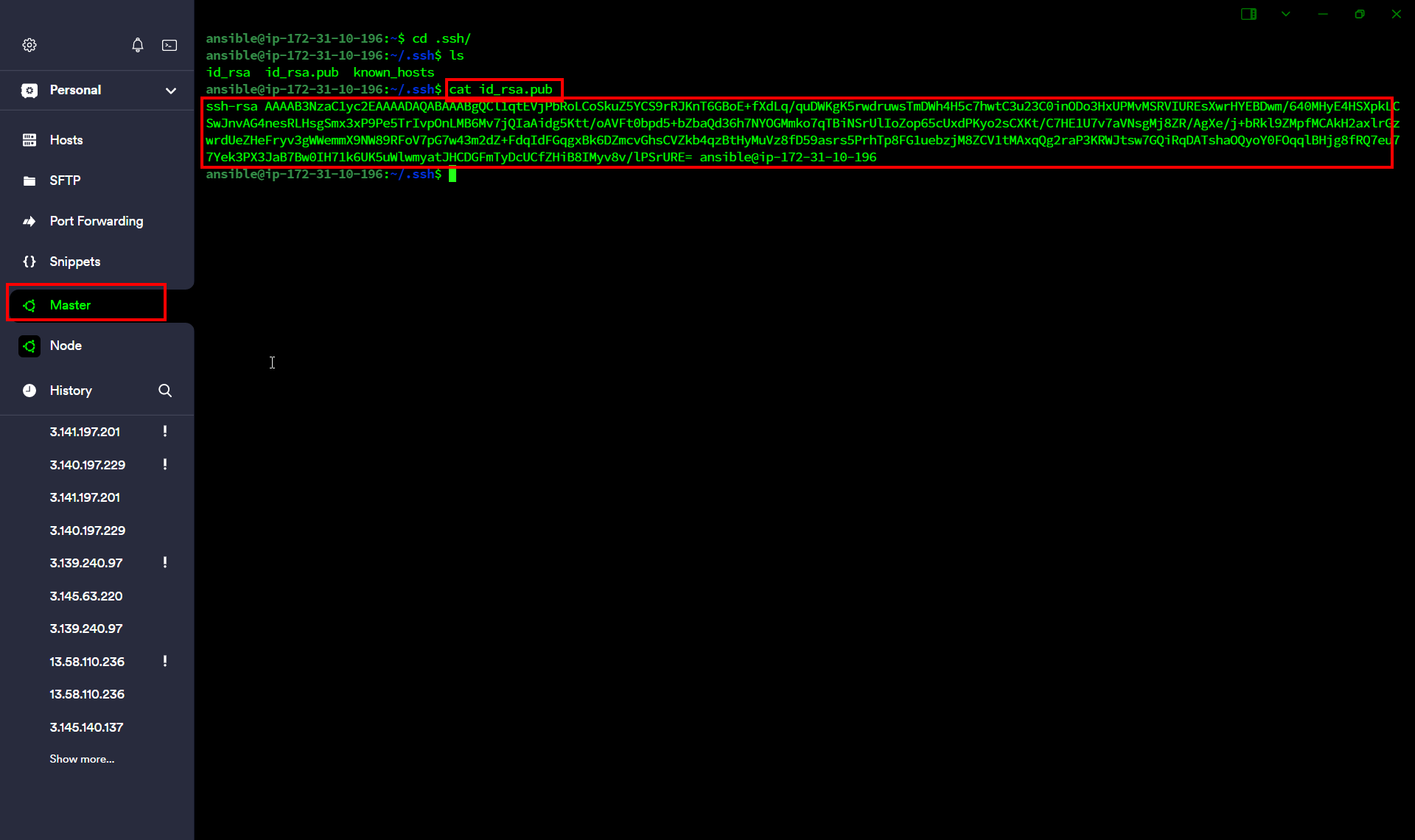
Copy public key on Node
cd
cd .ssh
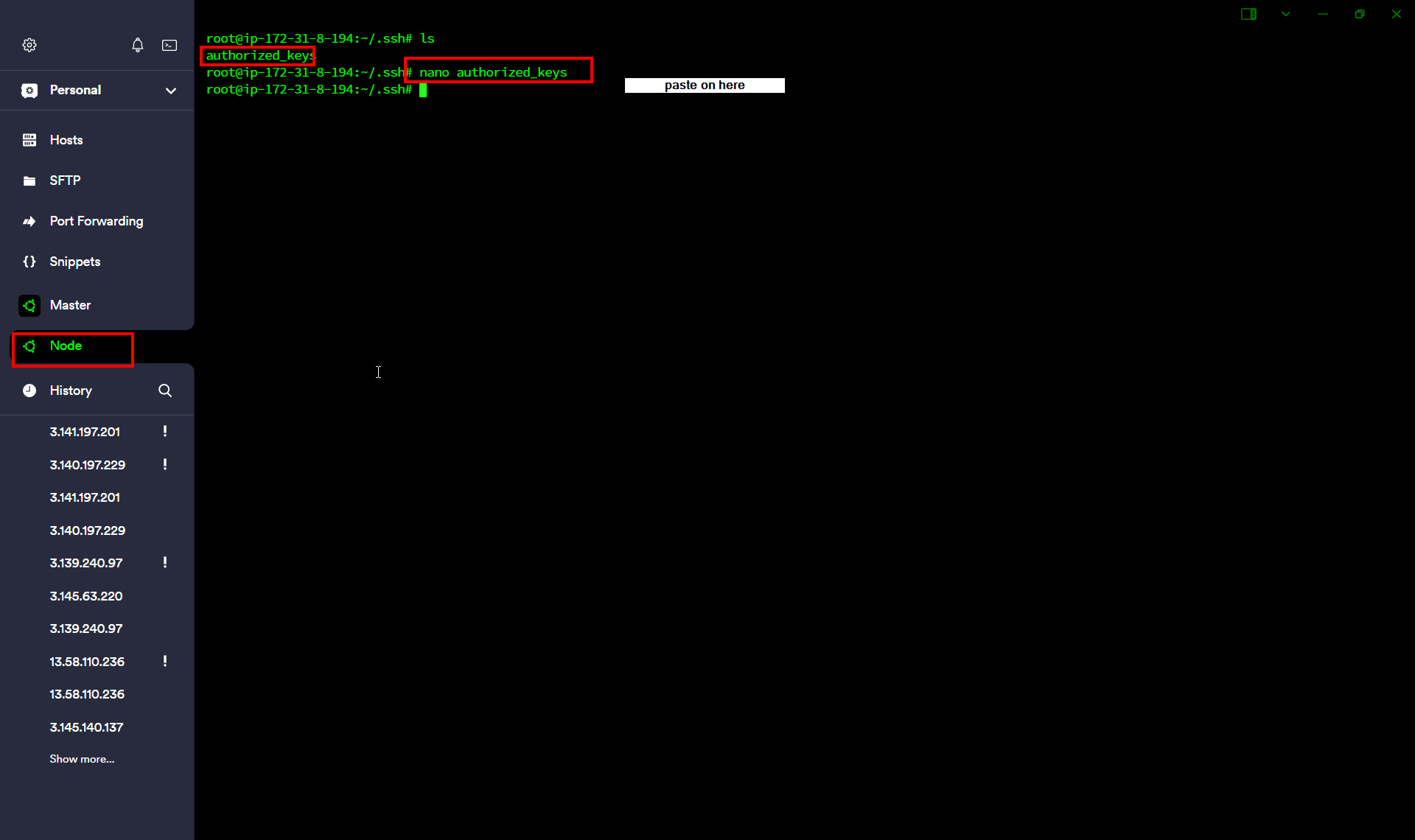
cat id_rsa.pub #copy public key and paste on node
cd
cat .ssh/authorized_key
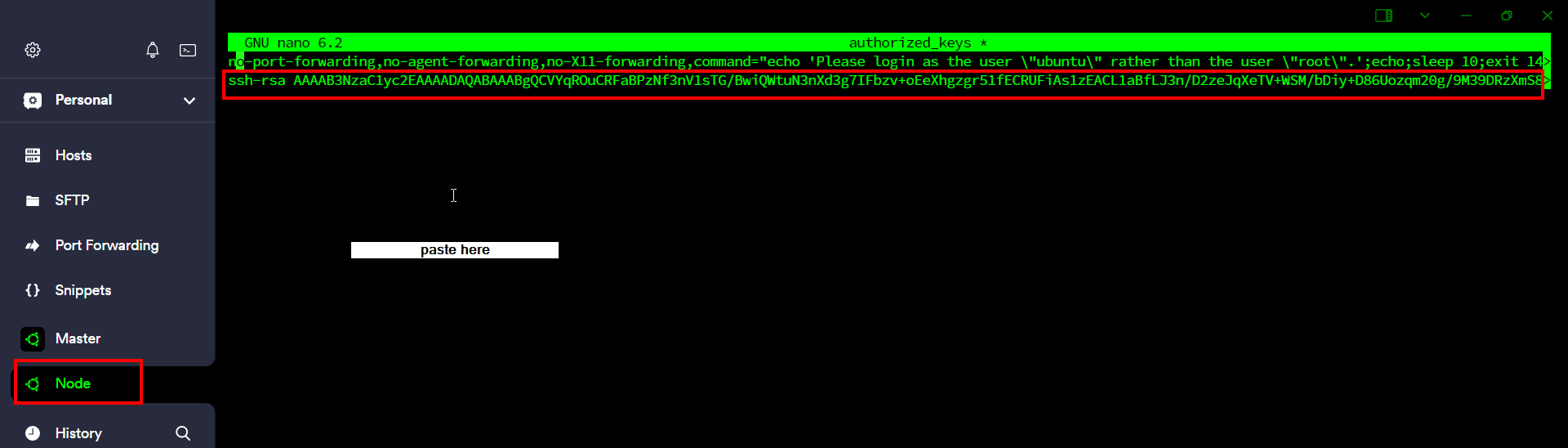
Access the Node Server
ssh your_node_ip
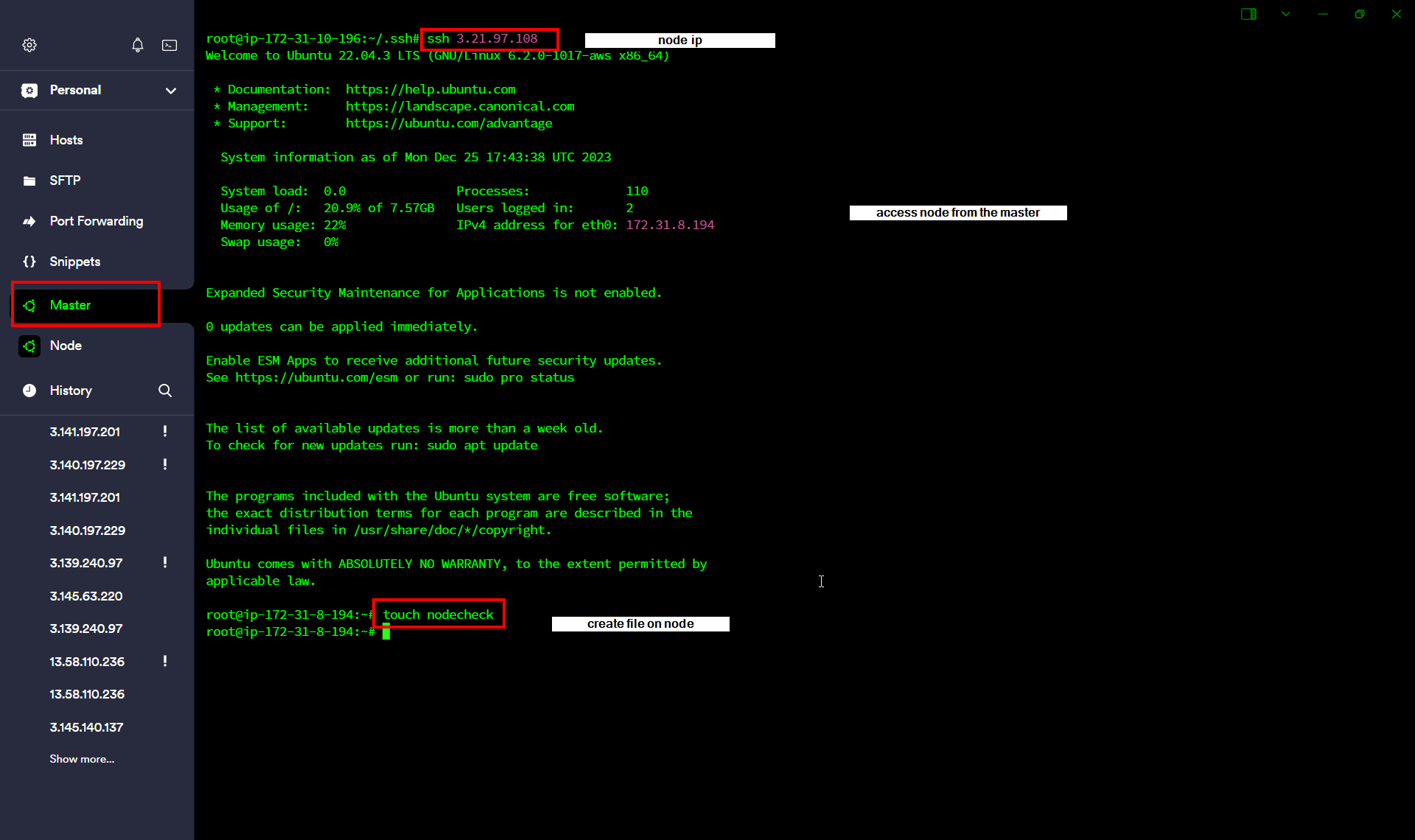
touch nodecheck
Check on Node Sever
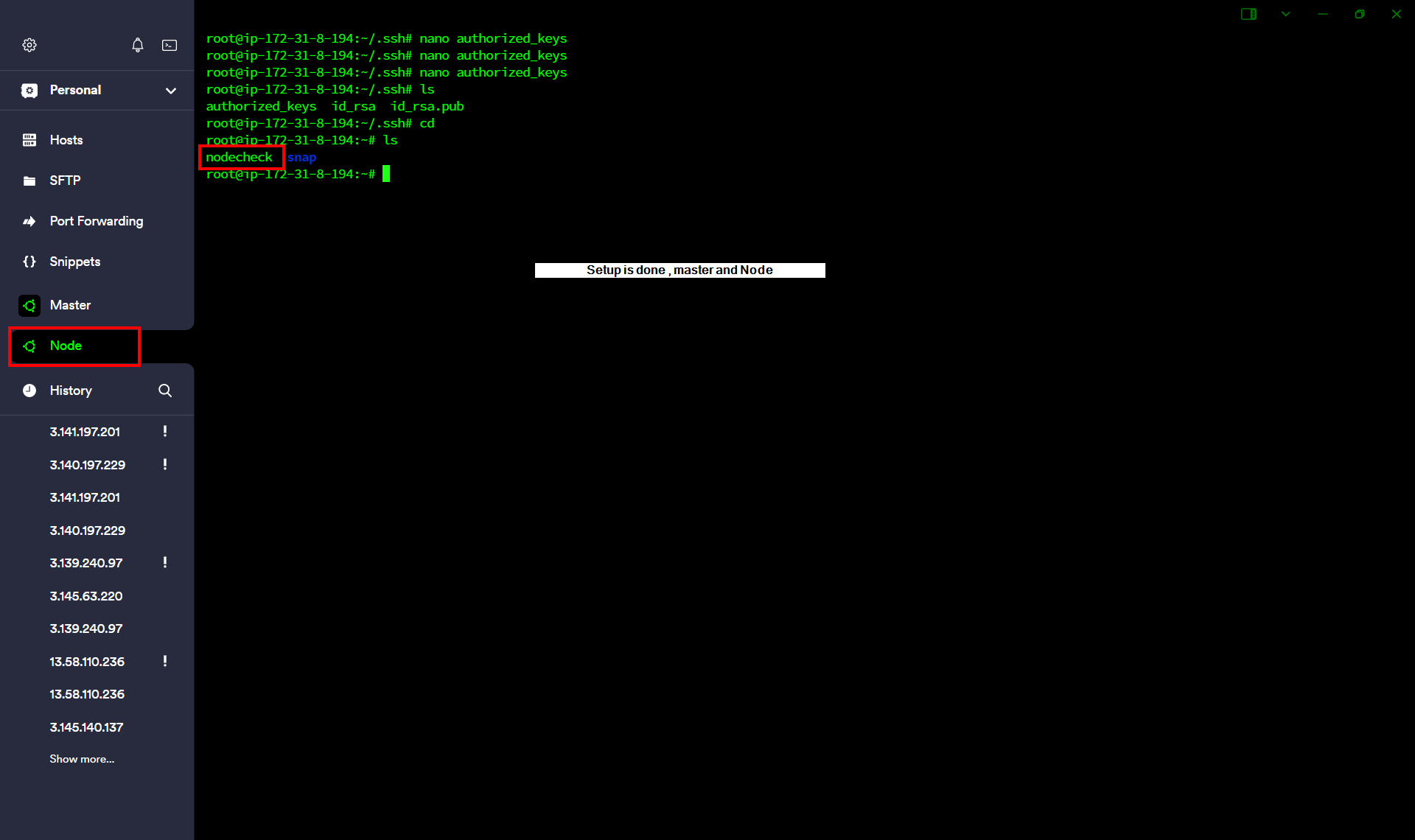
Clone the Code
git clone https://github.com/Fir3eye/ansible-playbooks.git
cd ansible-playbooks/
cd wordpress-lamp_ubuntu1804/
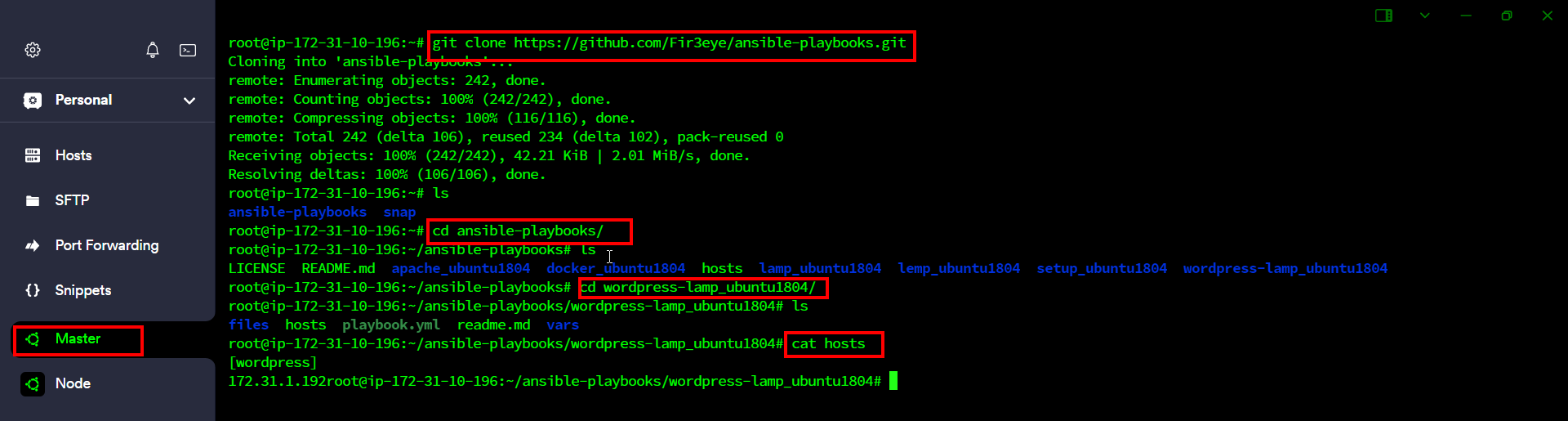
cat hosts #copy your node ip
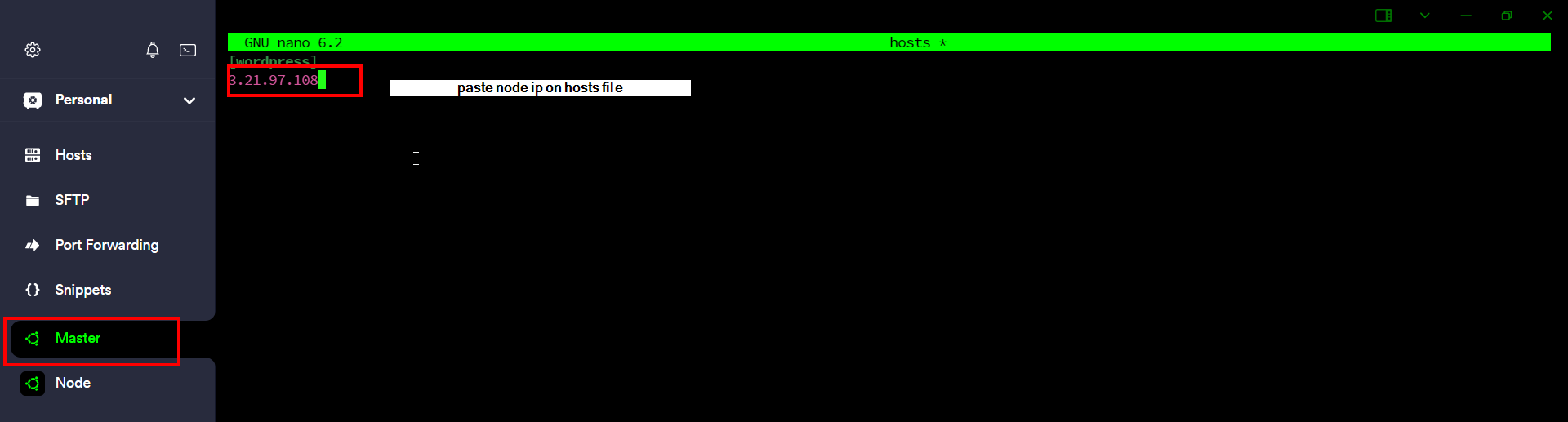
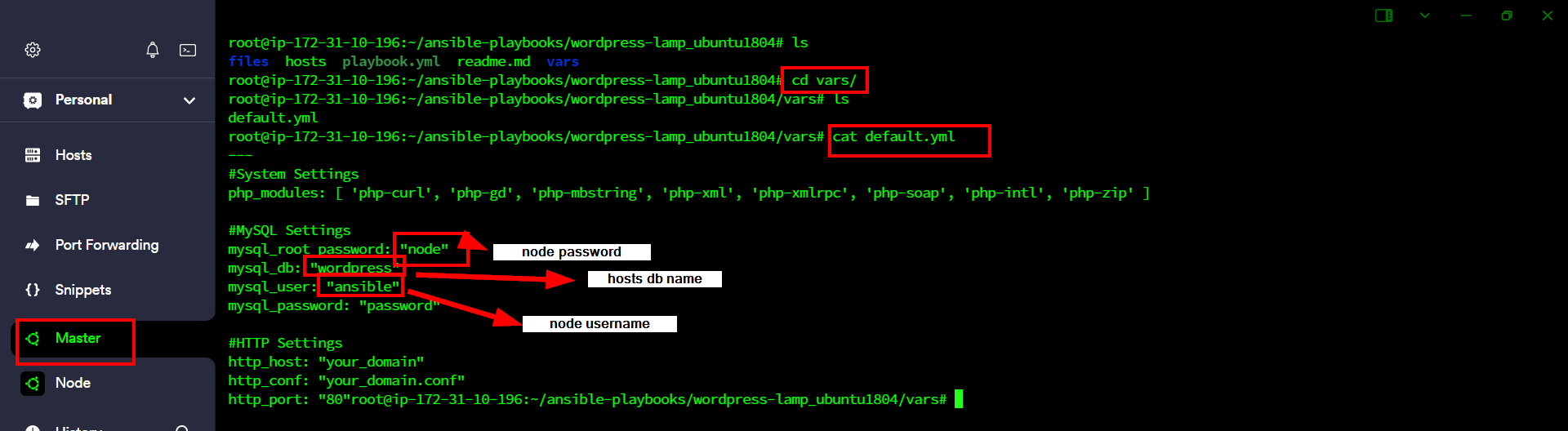
nano /var/default.yml
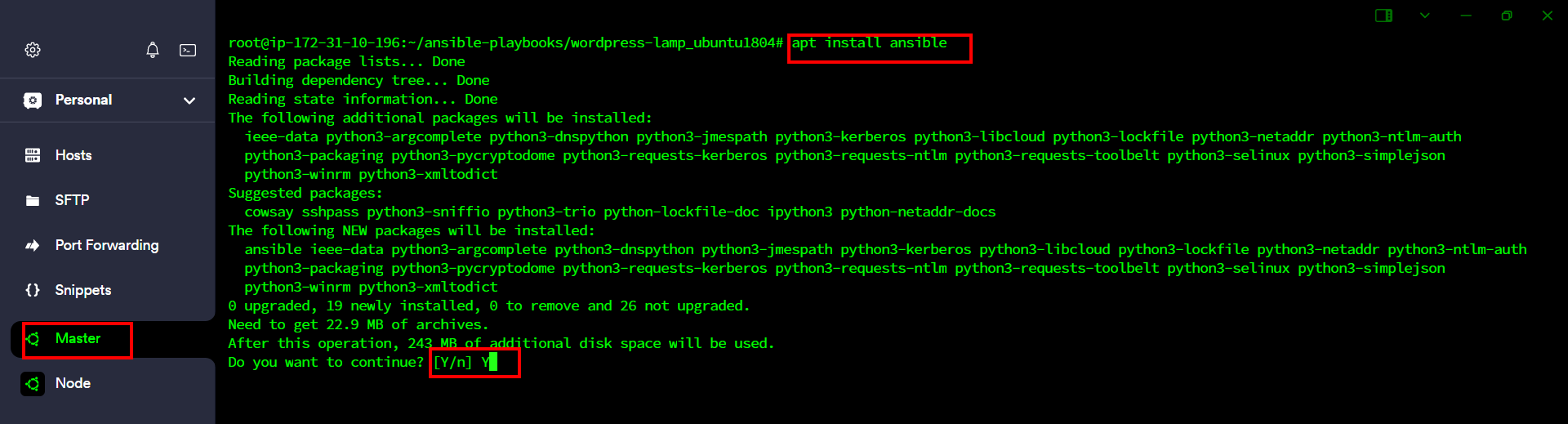
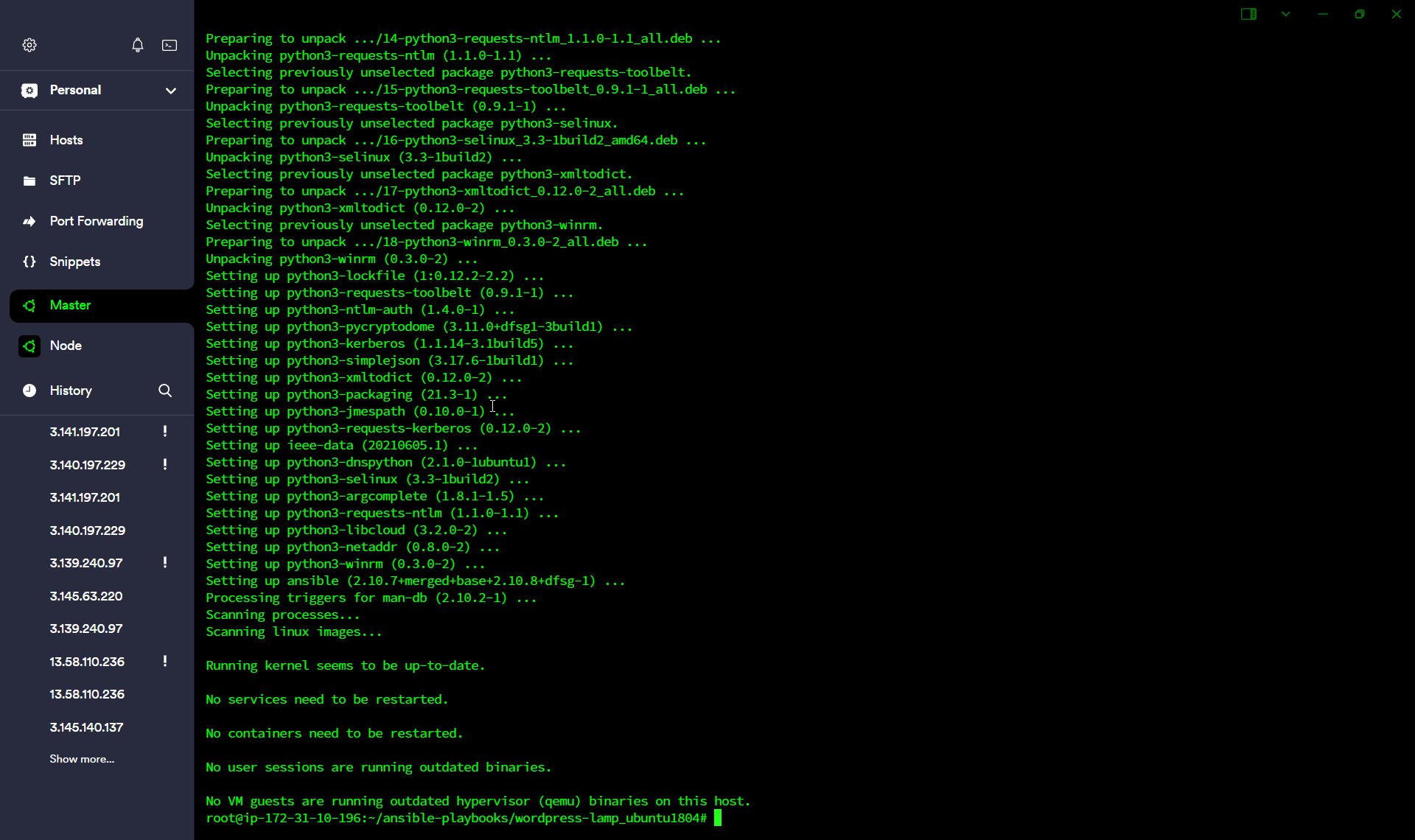
sudo apt install ansible -y
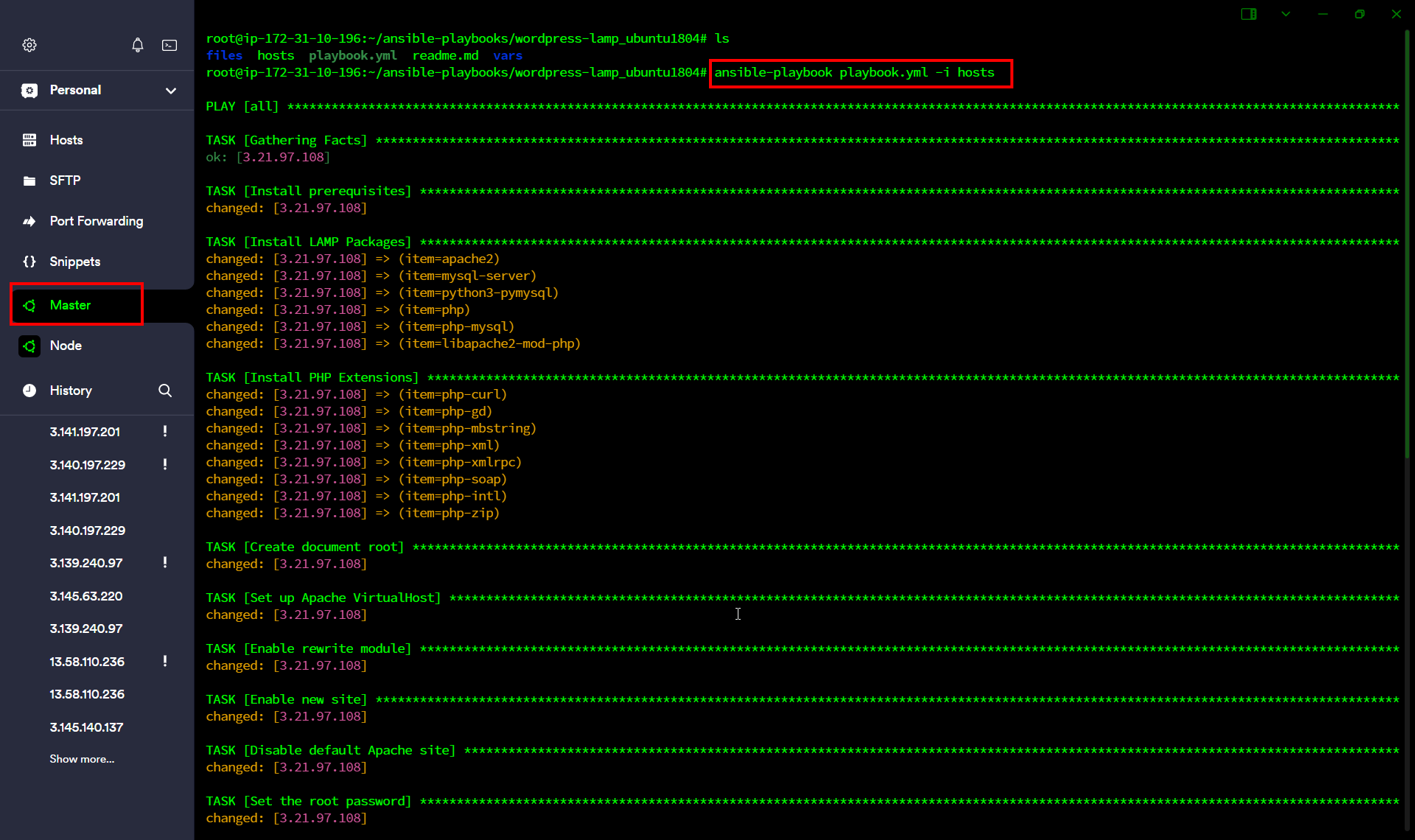
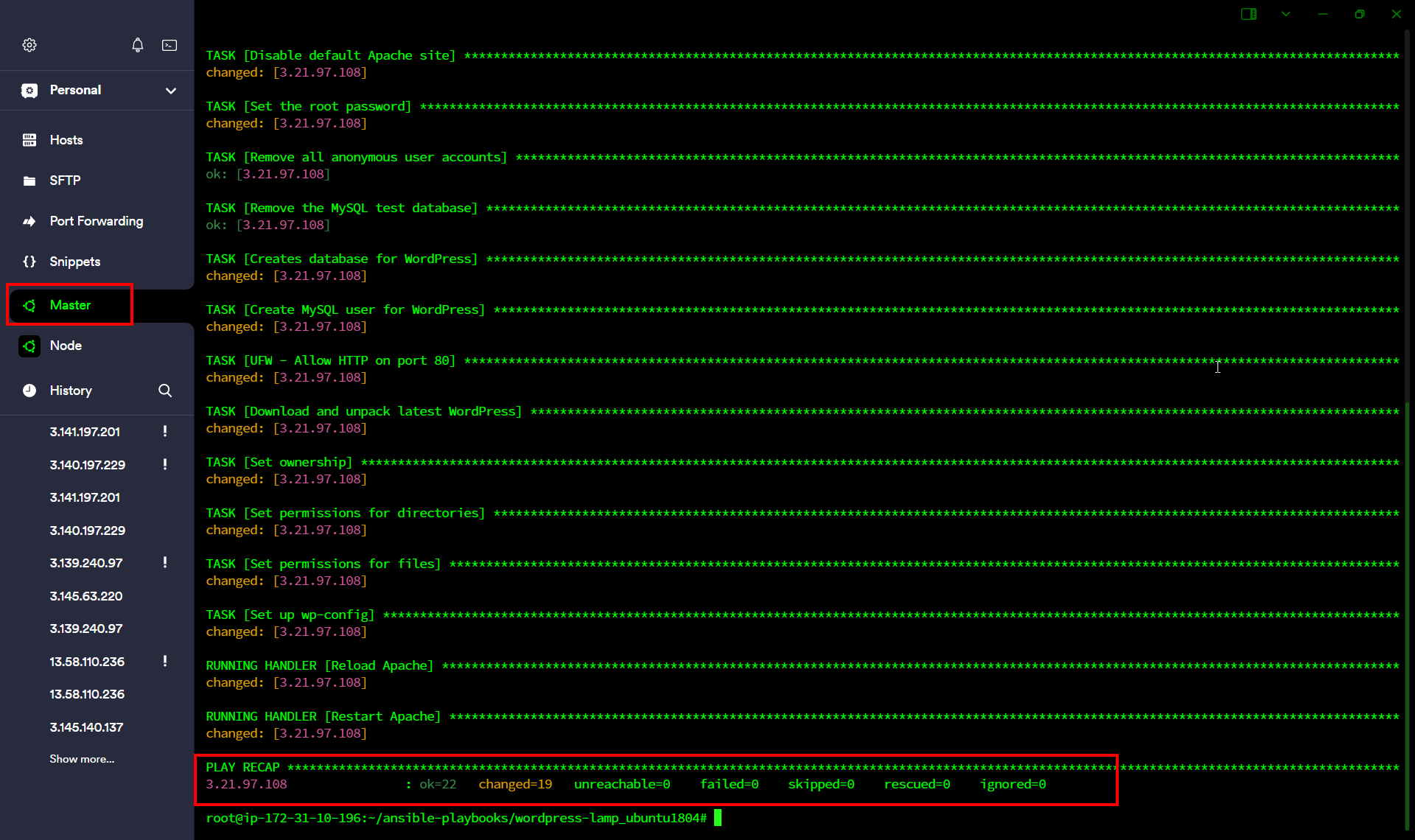
ansible-playbook playbook.yml -i hosts
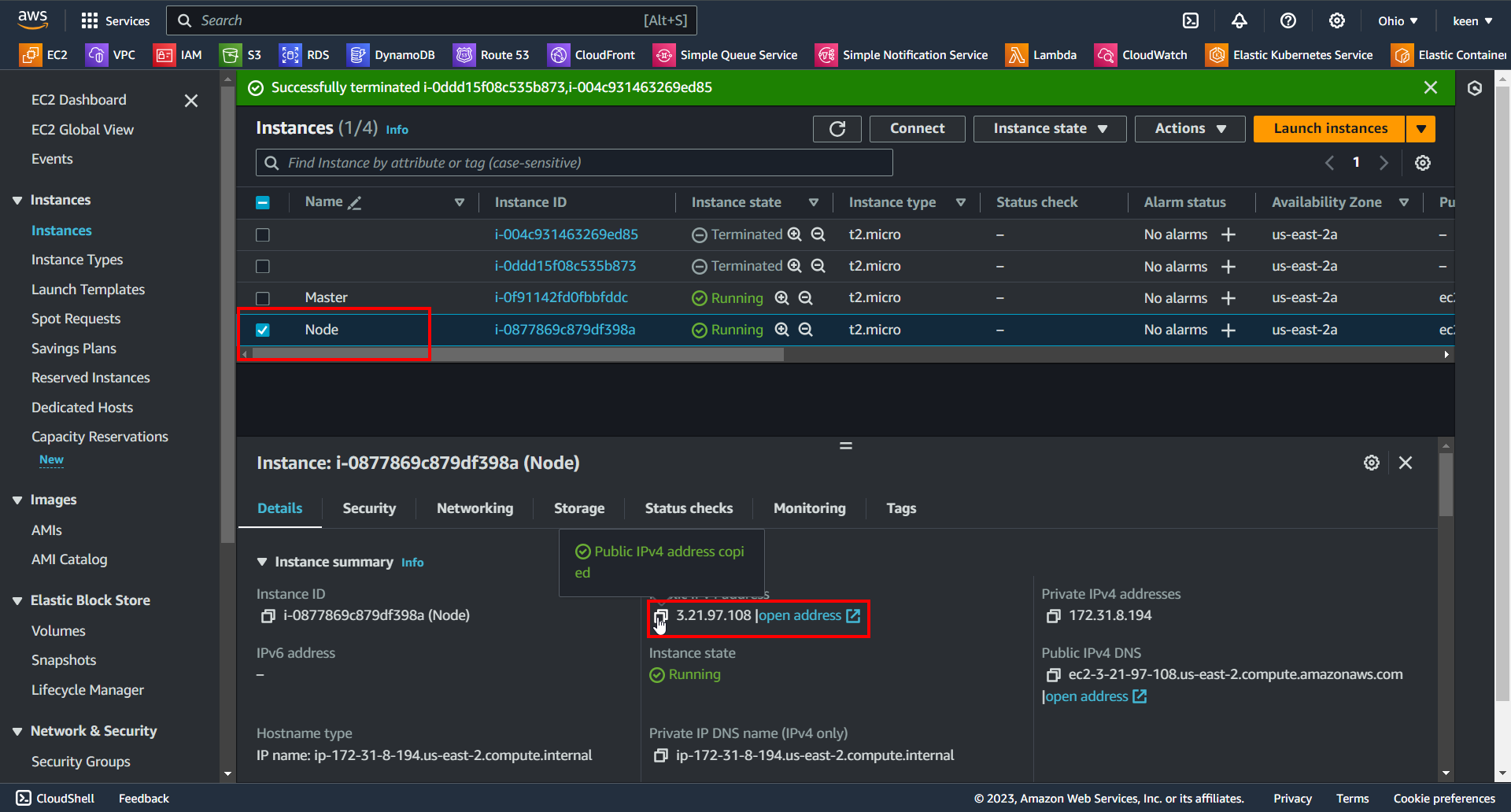
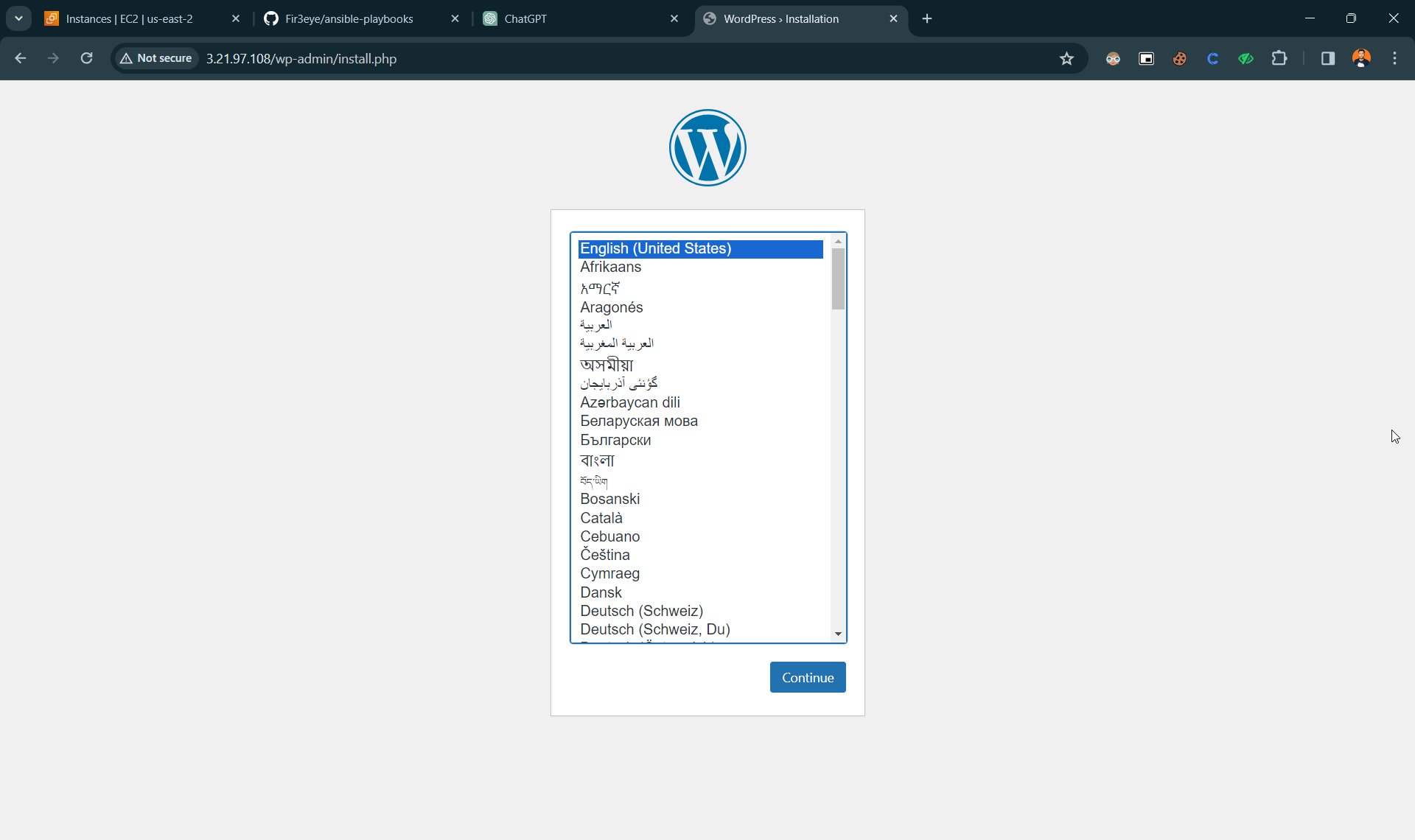
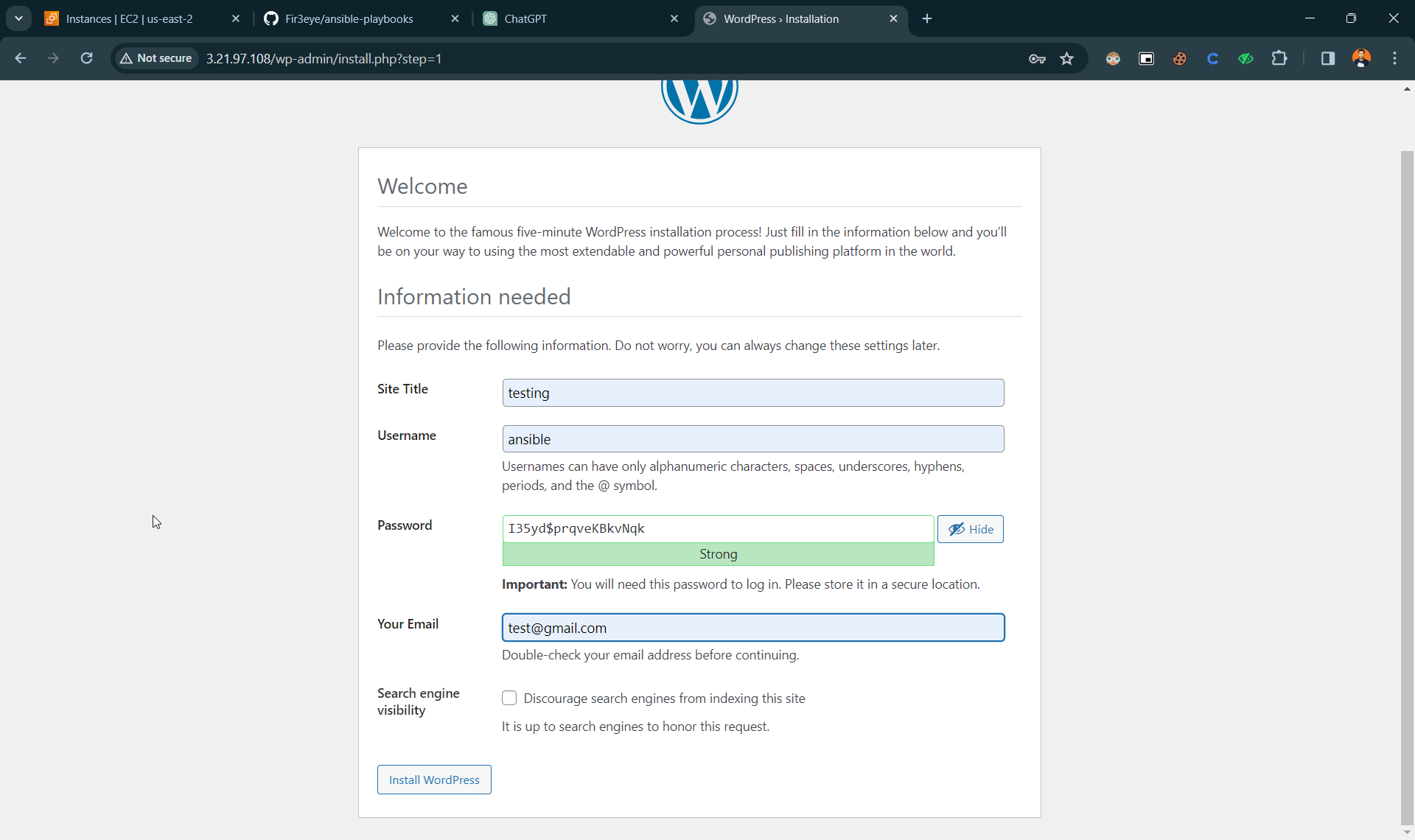
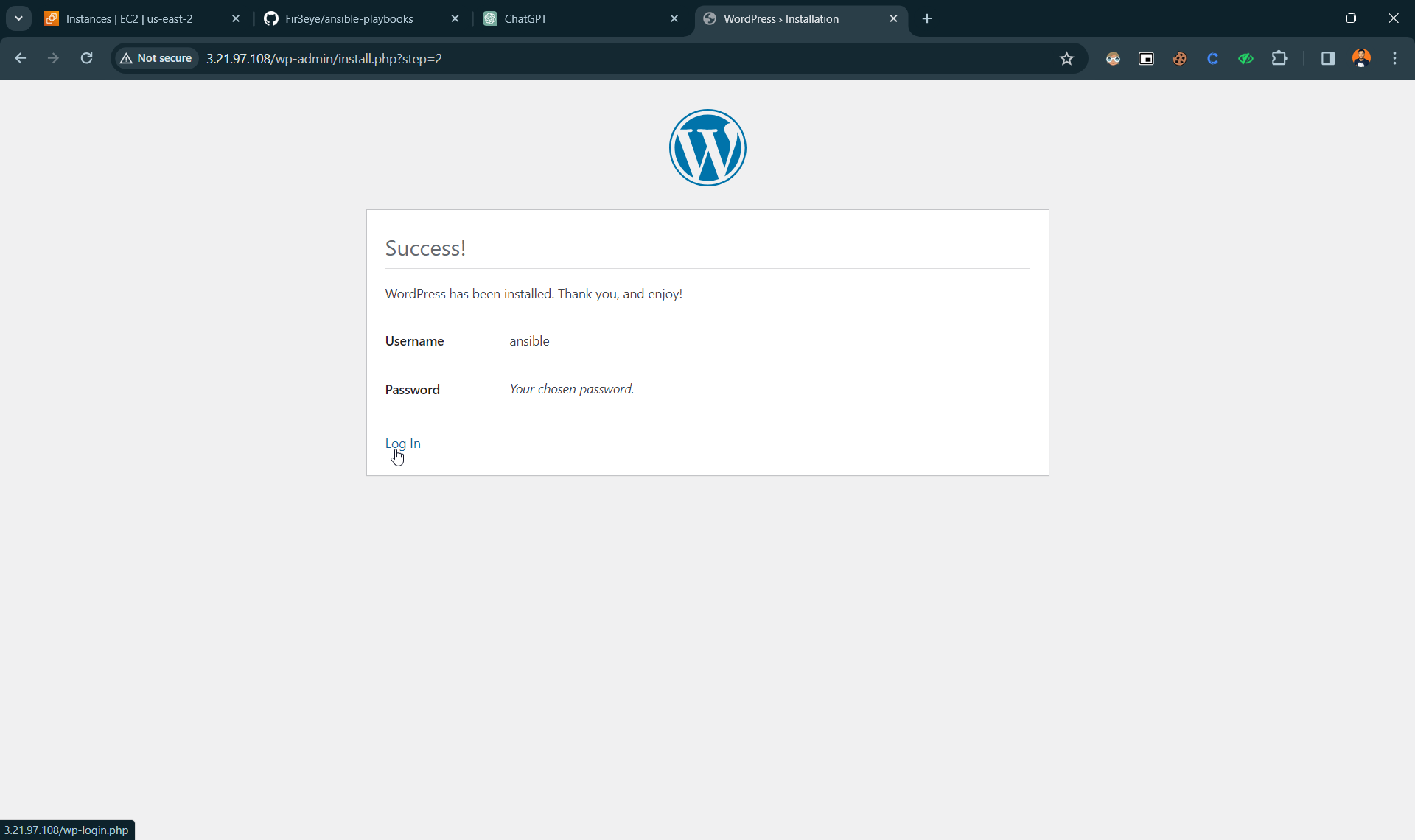
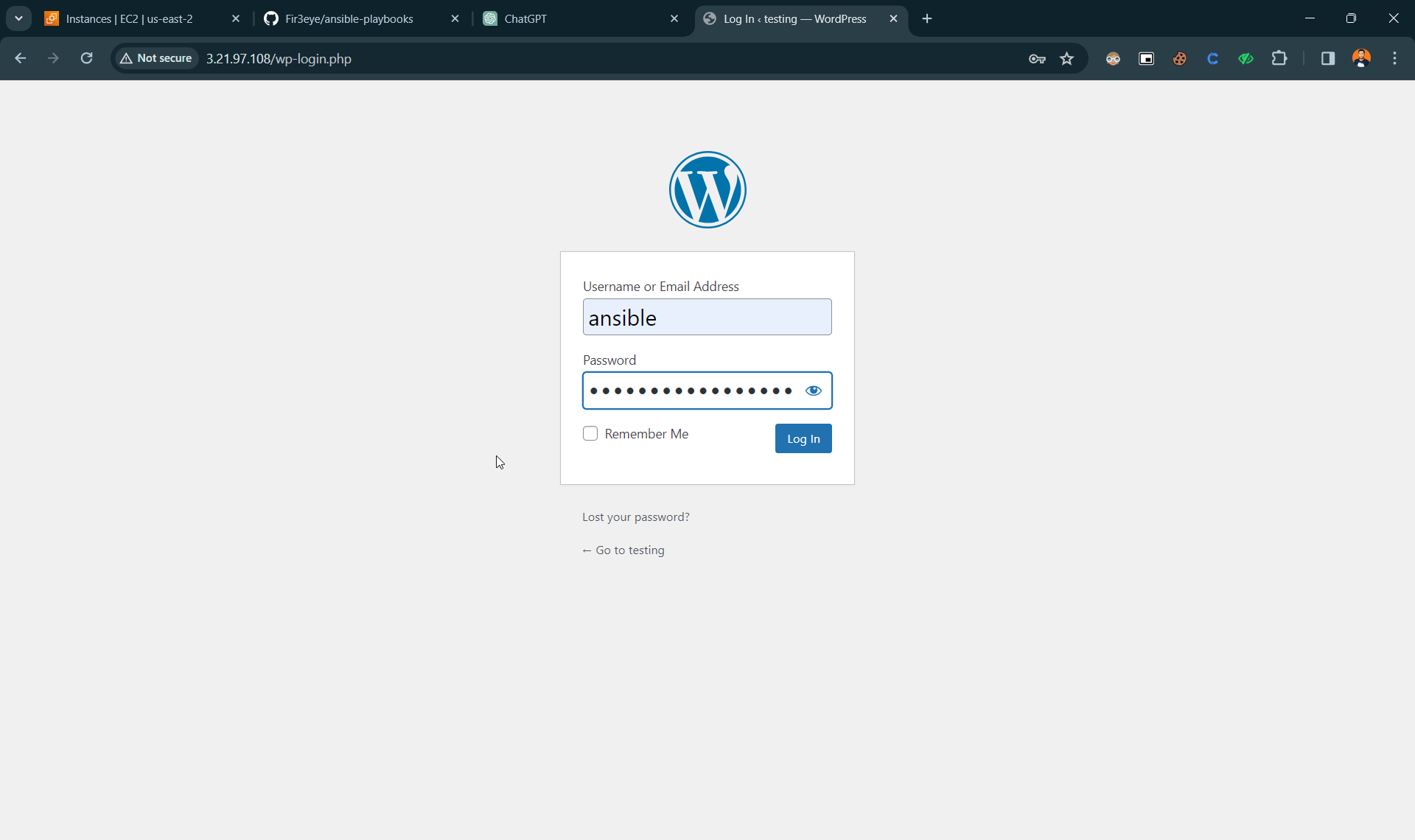
Copy your Node IP and paste on browser