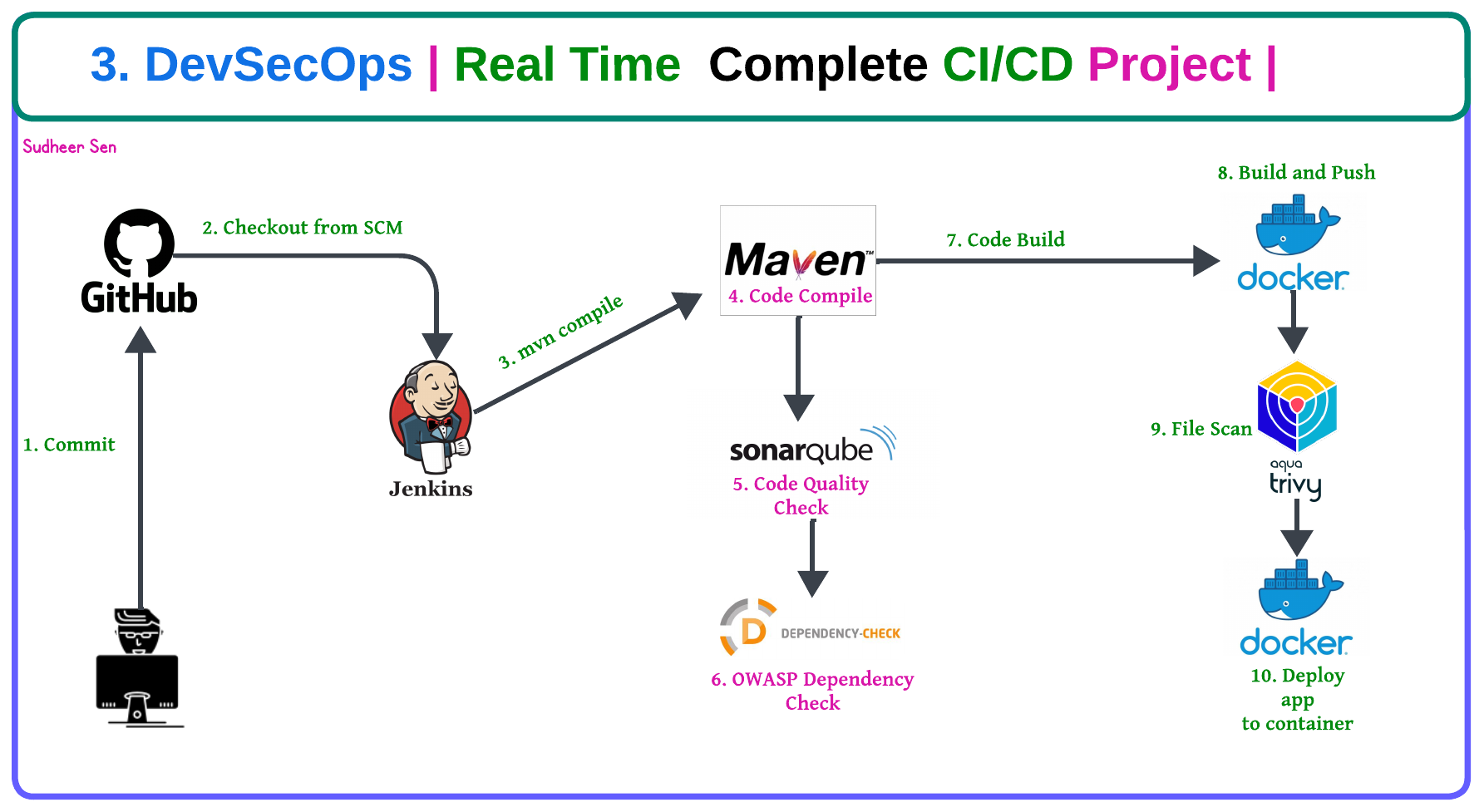
1. Deploy Website using GitHub Actions

👋 Hello! I'm passionate about DevOps & AWS Cloud. I have over 1.4 years of experience in IT Security and Cloud field. I'm proficient in a variety of cutting-edge technologies and always motivated to expand my knowledge and skills. Let's connect and grow together!
OS: Linux/Unix, Mac, Windows Cloud: AWS Containers: Docker Version Control: GIT, GitHub, GitLab, Bitbucket. CI/CD Tools: Jenkins Container Orchestration: Kubernetes Languages: Python, PowerShell, Shell scripting IAC: Terraform, Ansible, Chef, AWS Cloud Formation Web: Apache, Nginx, Tomcat
Open to opportunities. 🌱 #DevOps #AWS #CI/CD #Containers #Python #IaC #Cloud #Blogging #OpenToOpportunities
Pre-Requisites
GitHub Account
Create Repository
Code
Action
Set Secret Token
AWS Account
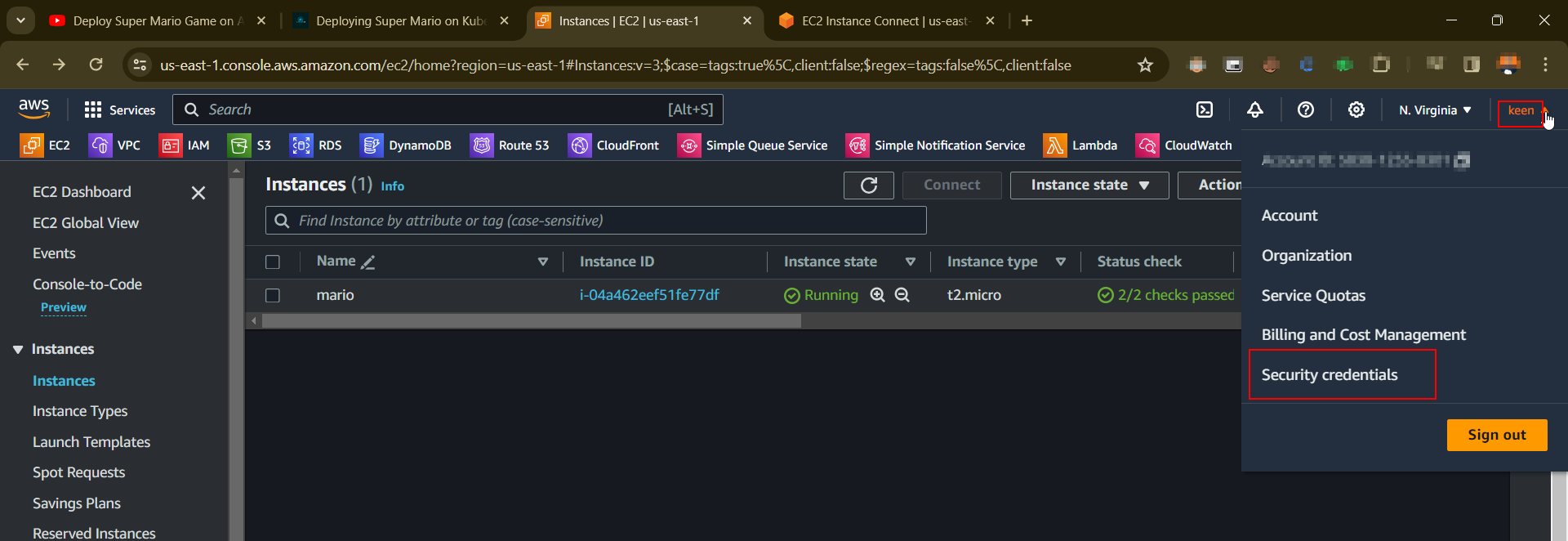
IAM Access Key
S3 Bucket
- Define Policy
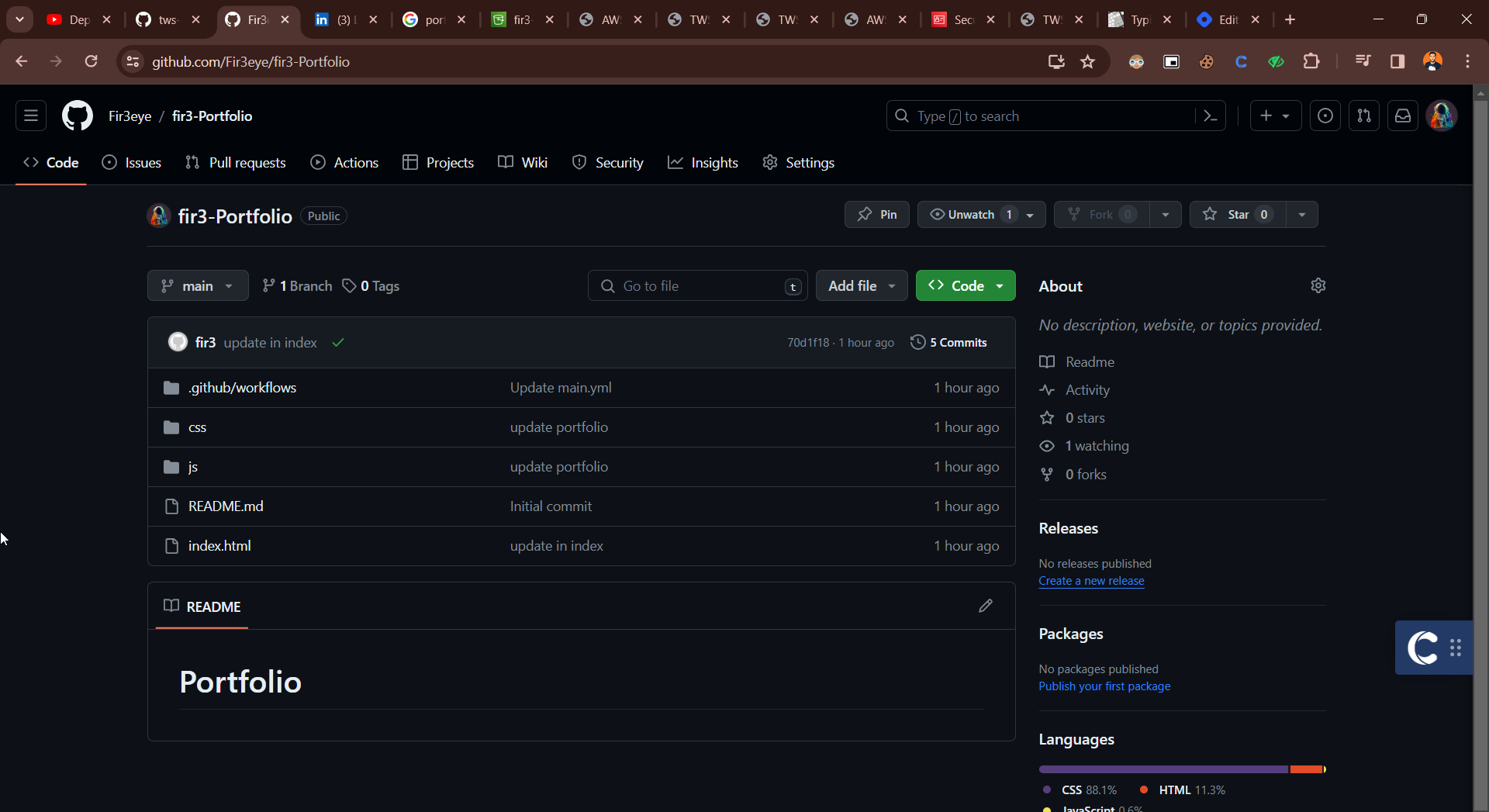
Create Repository
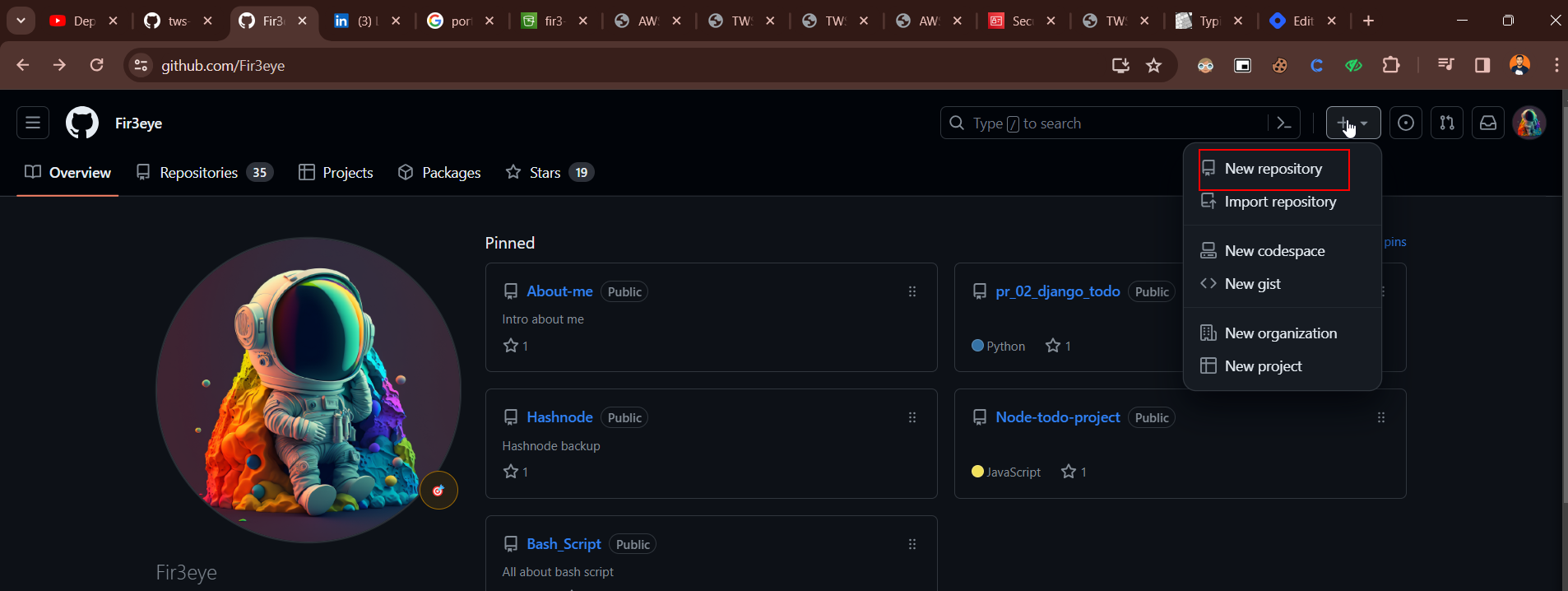
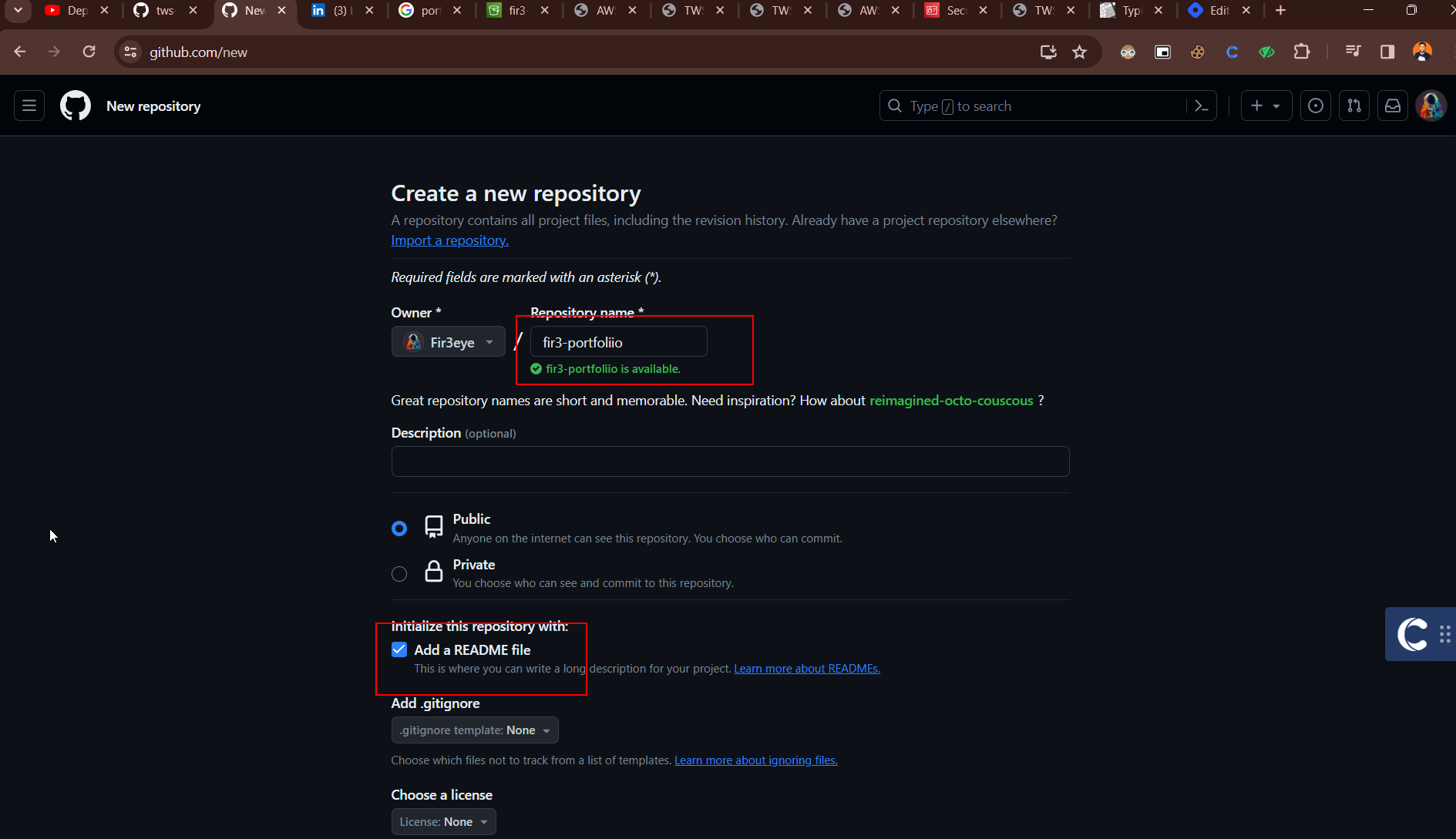
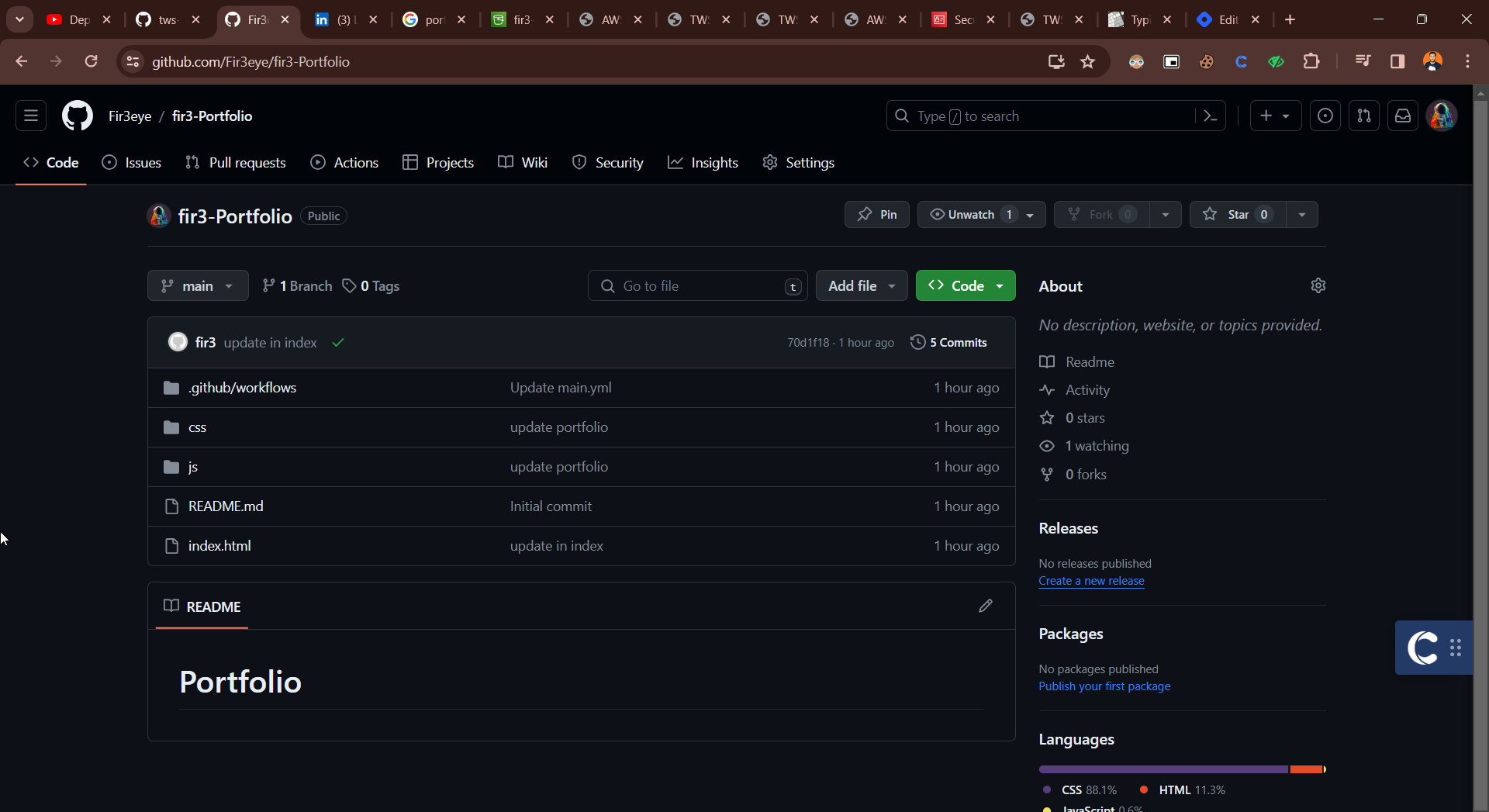
Clone The Code
git clone https://github.com/Fir3eye/fir3-Portfolio.git
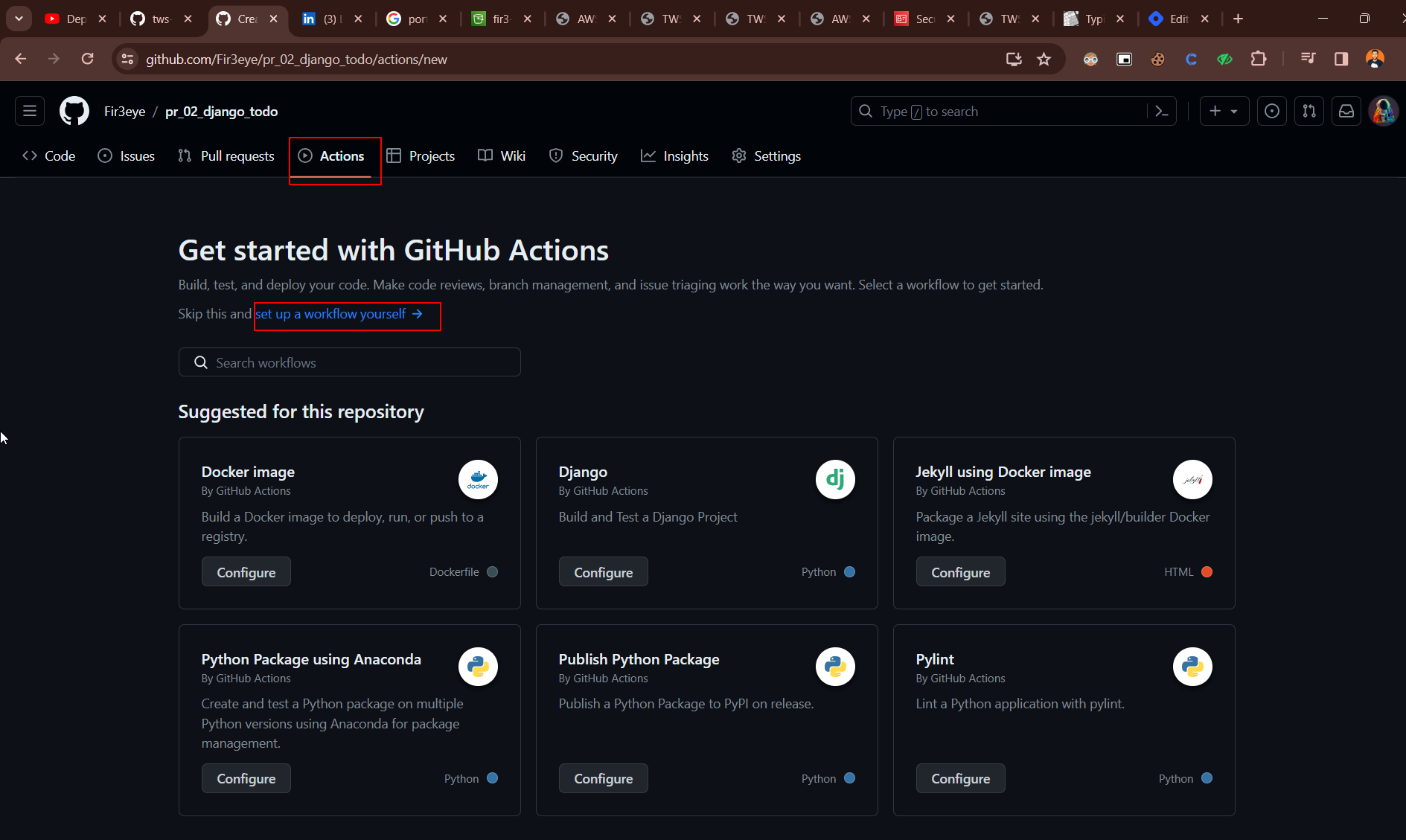
Click on Action Button and click setup a workflow yourself
Openend Like This
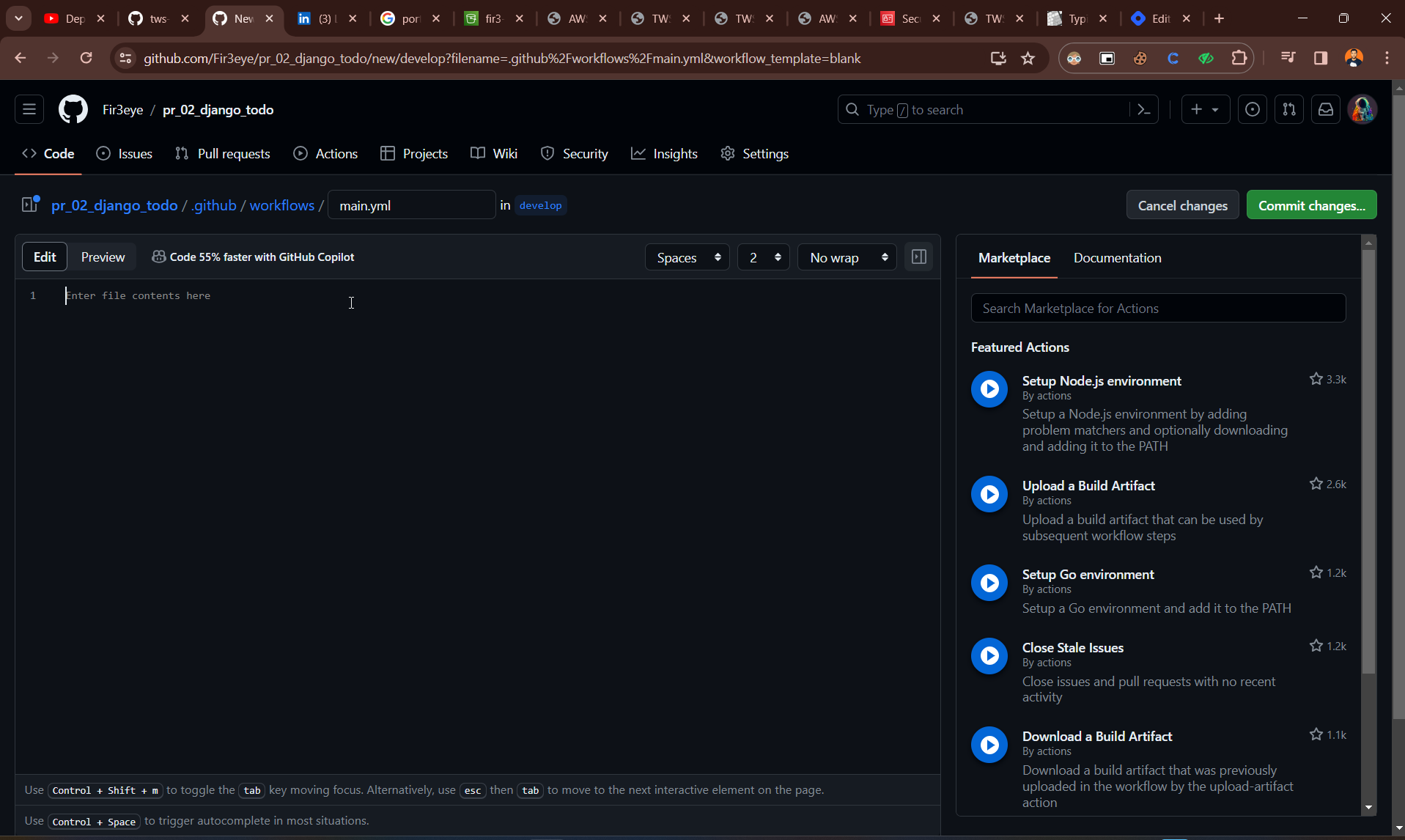
Paste the Code
 name: Portfolio Deployment

 on:
   push:
     branches:
     - main

 jobs:
   build-and-deploy:
     runs-on: ubuntu-latest
     steps:
     - name: Checkout
       uses: actions/checkout@v1

     - name: Configure AWS Credentials
       uses: aws-actions/configure-aws-credentials@v1
       with:
         aws-access-key-id: ${{ secrets.AWS_ACCESS_KEY_ID }}
         aws-secret-access-key: ${{ secrets.AWS_SECRET_ACCESS_KEY }}
         aws-region: us-east-1

     - name: Deploy static site to S3 bucket
       run: aws s3 sync . s3://your-bucket-name --delete
Create S3 Bucket
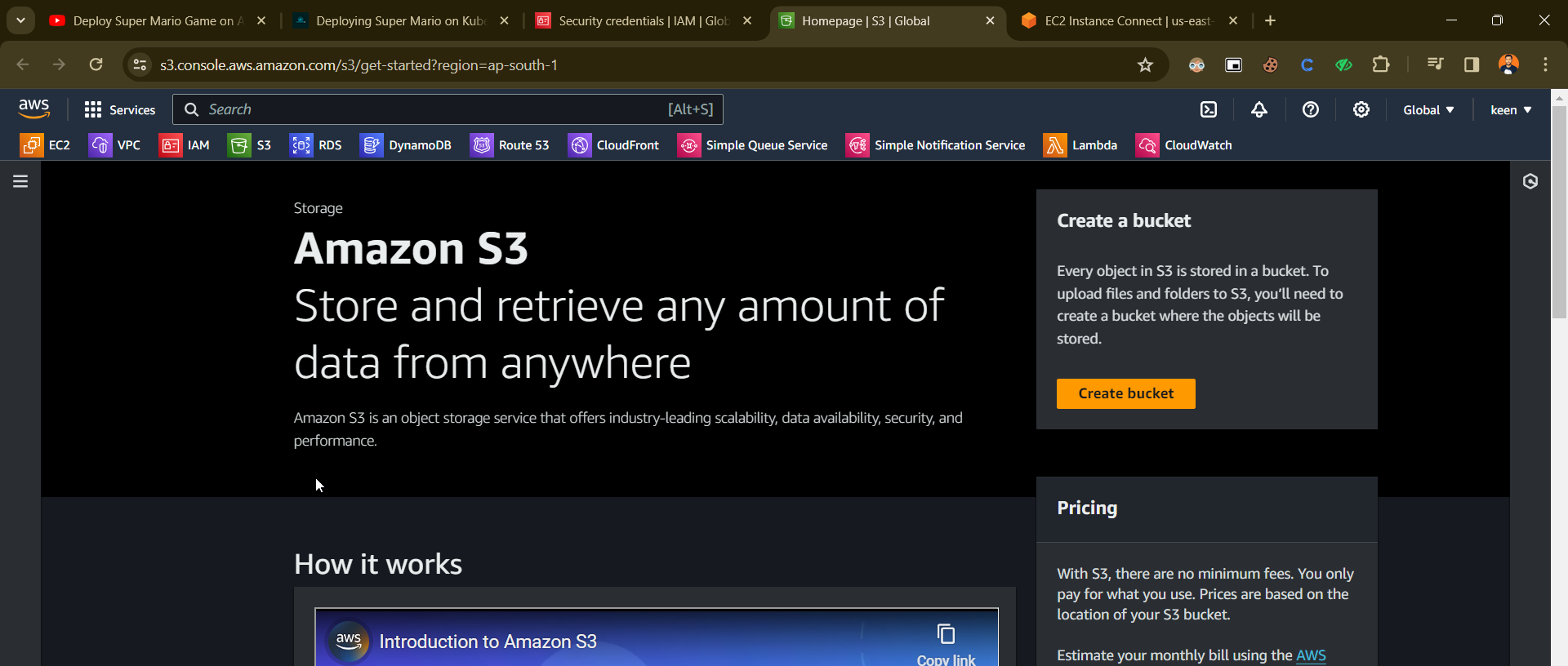
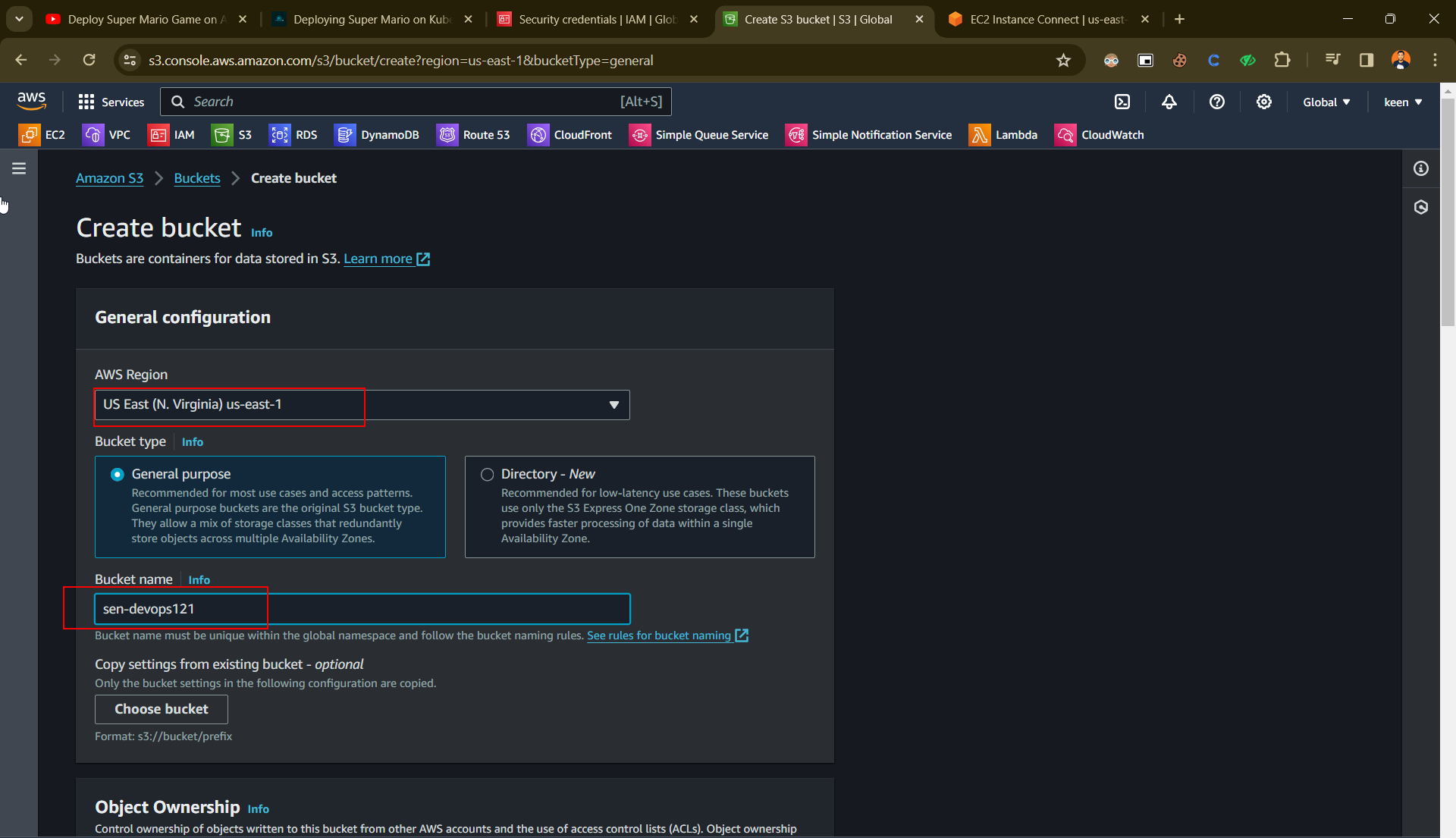
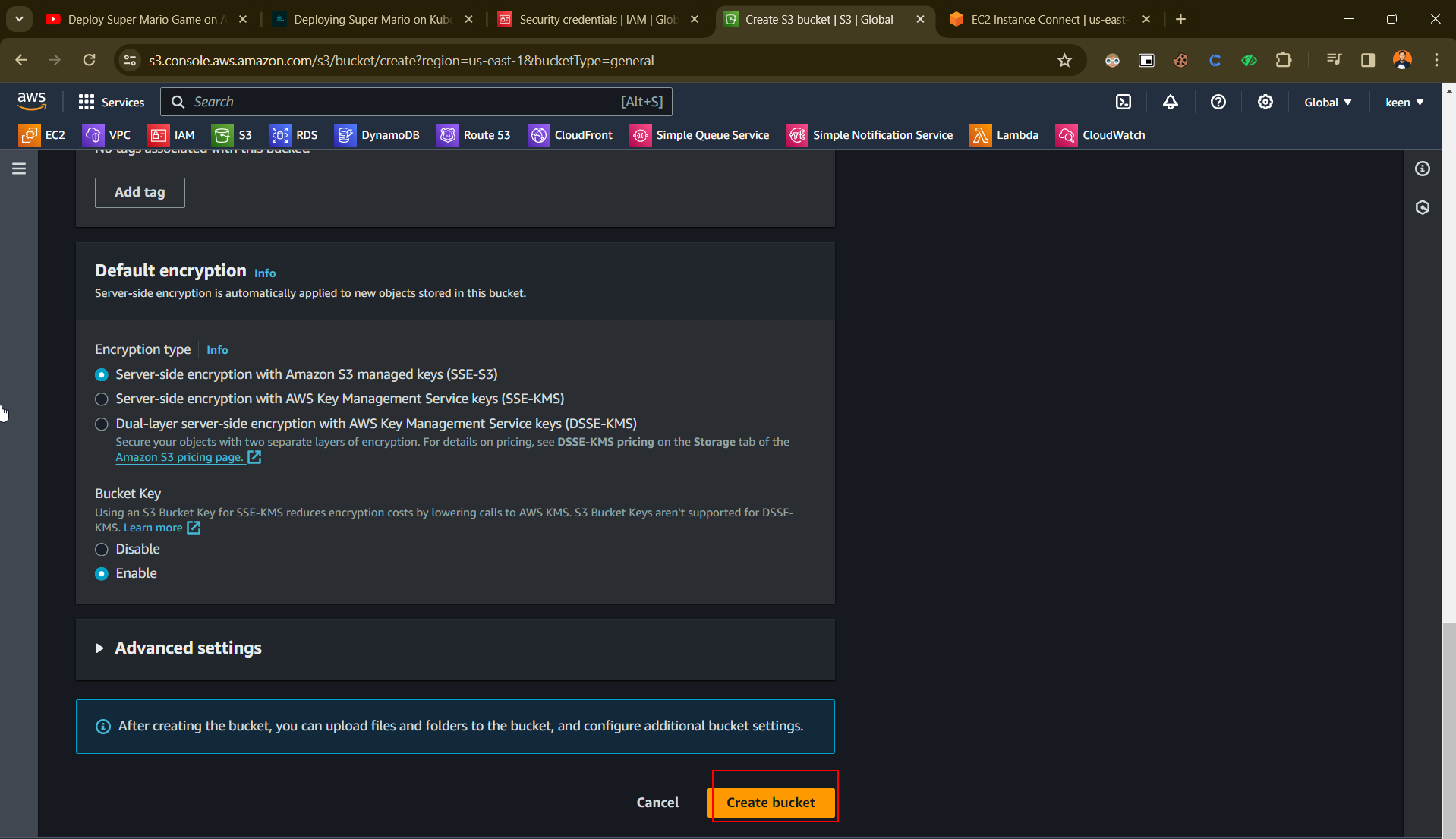
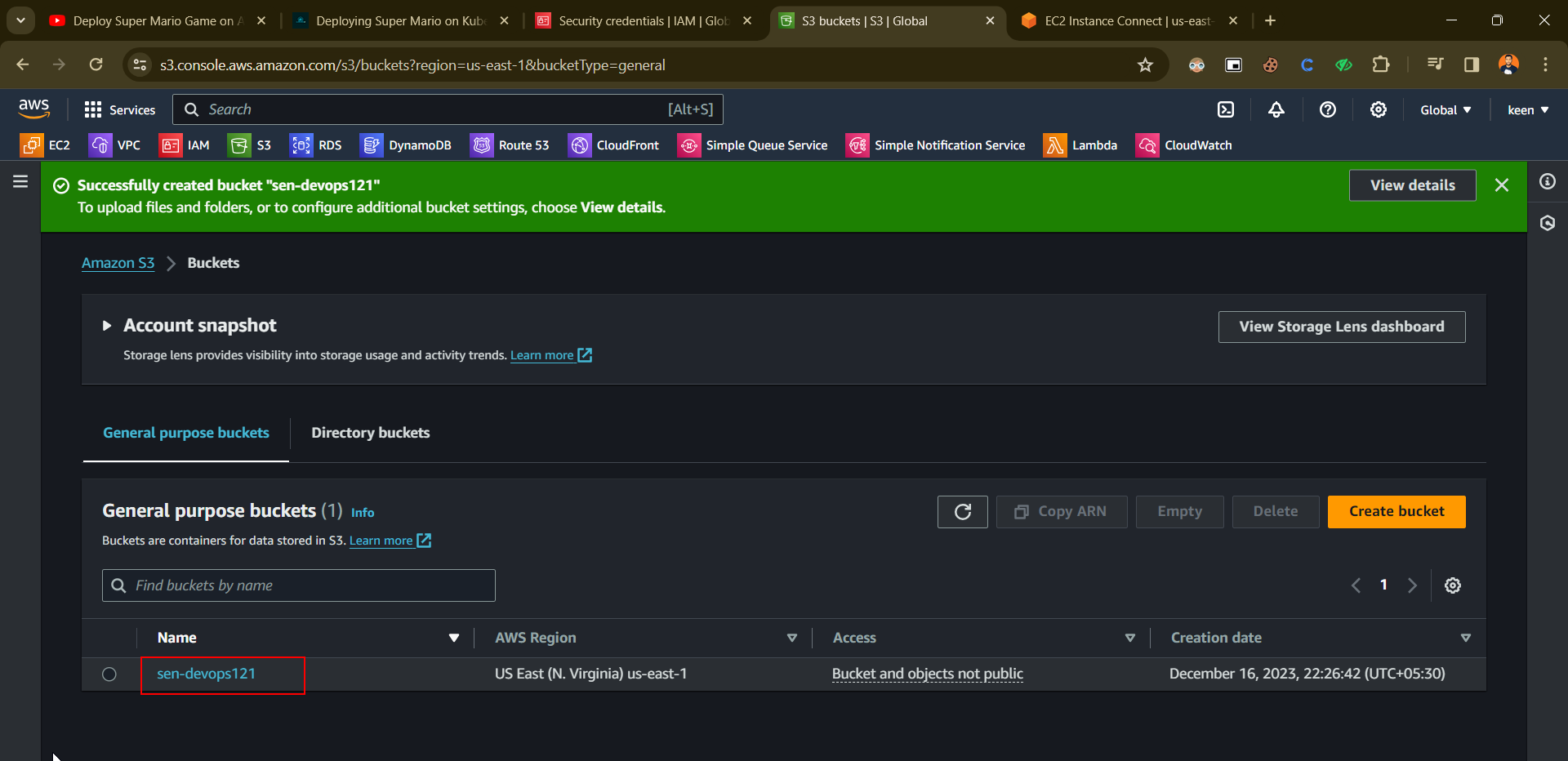
Ceate Access Key
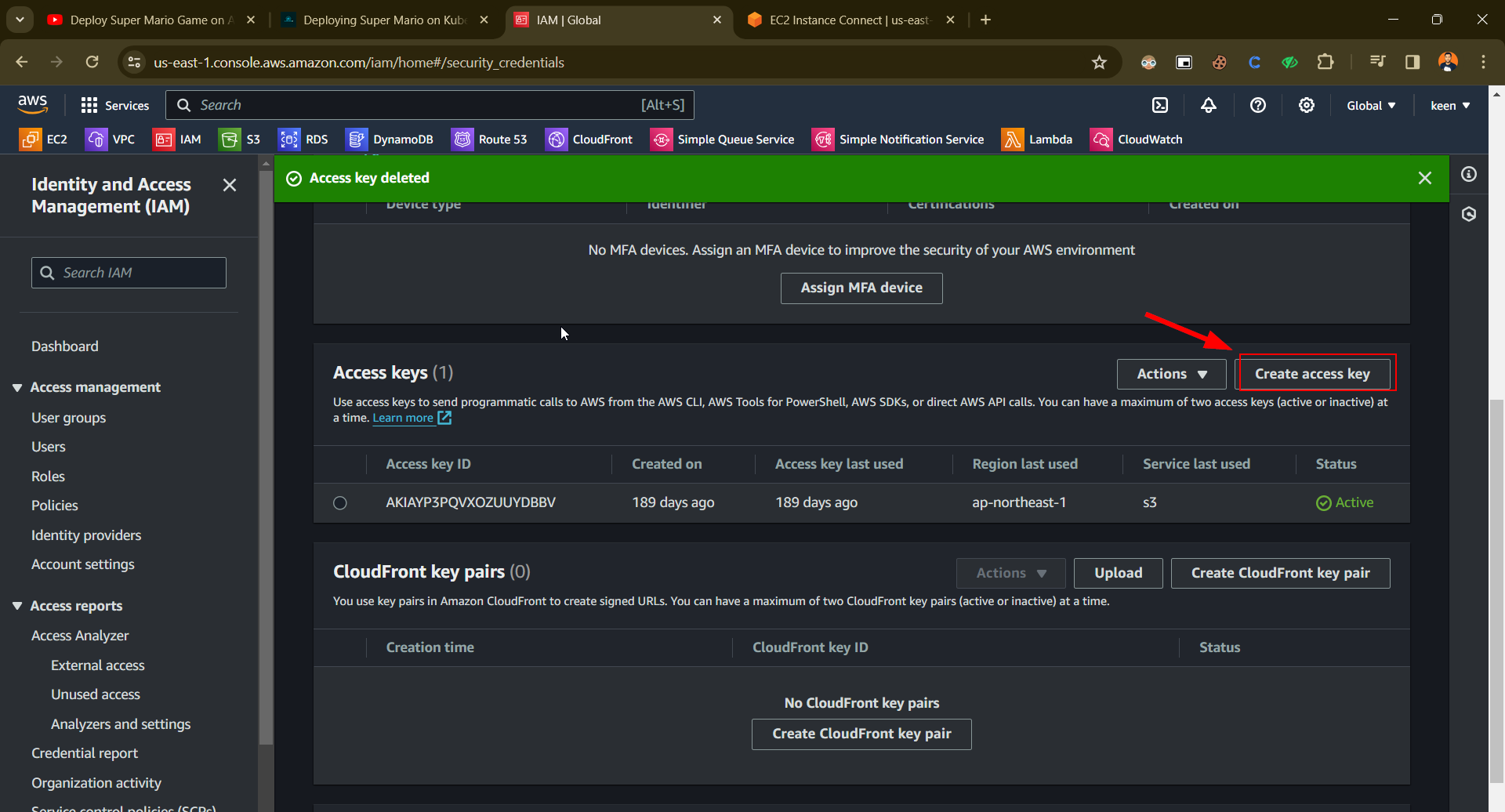
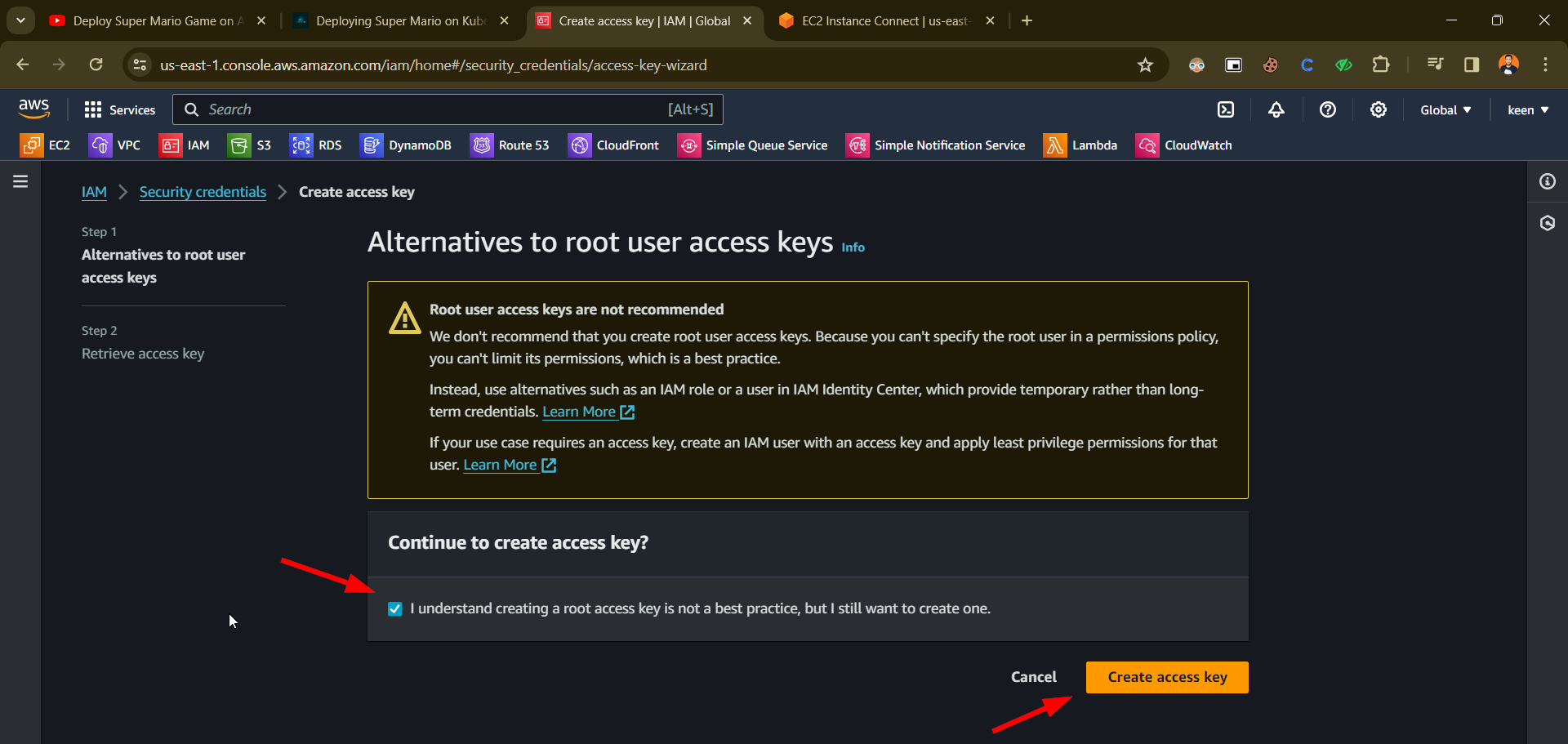
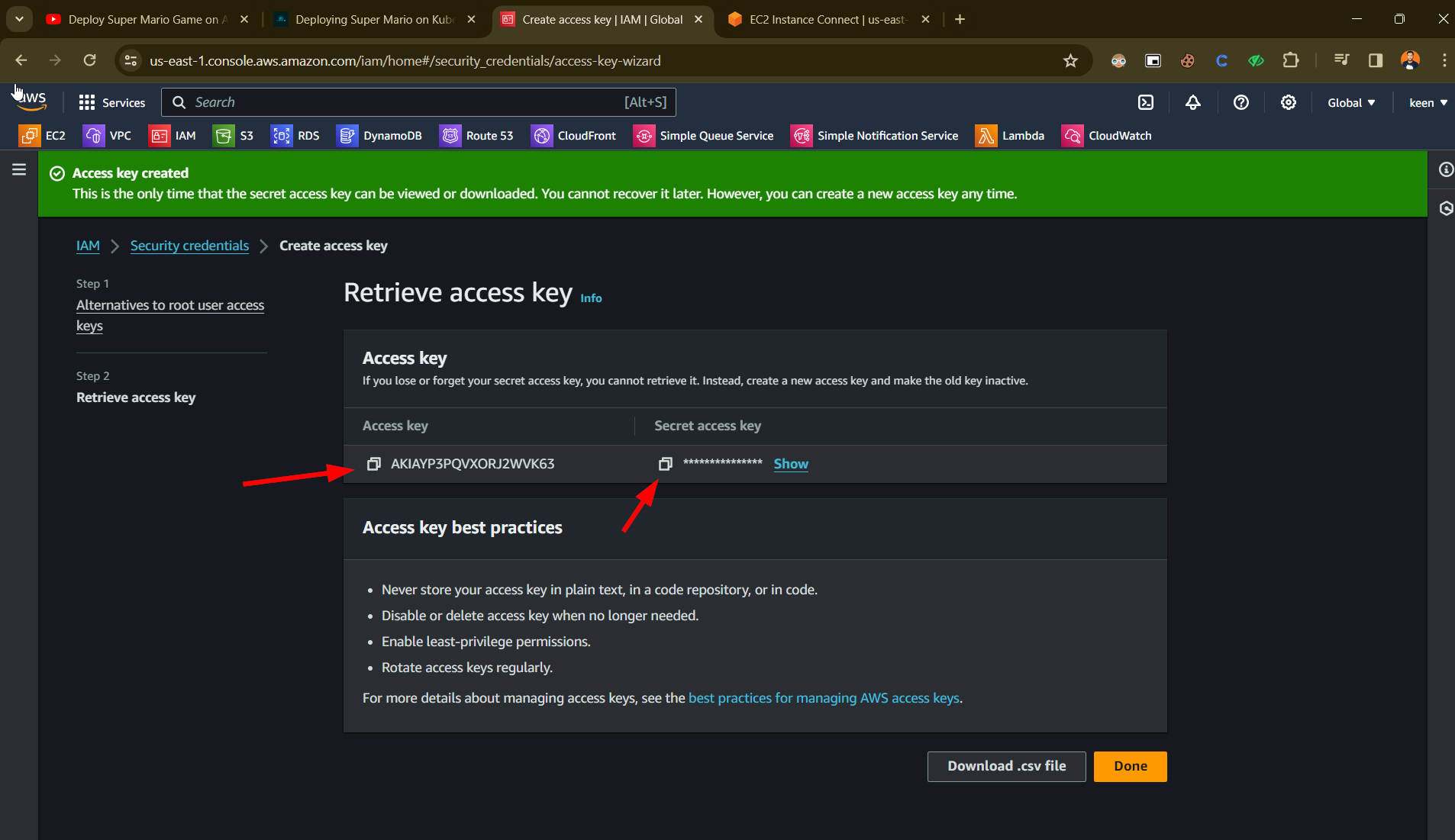
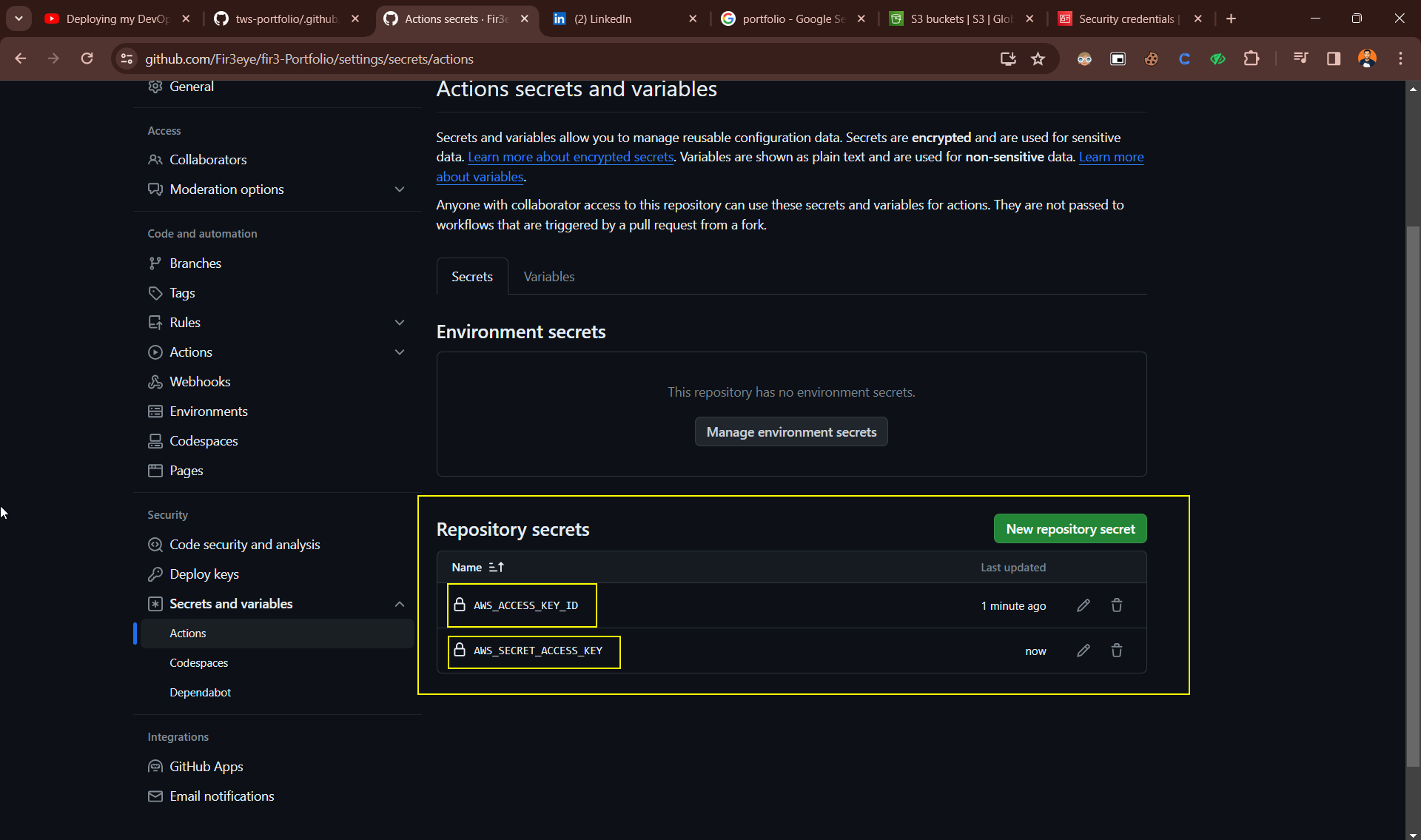
Add Secret Token in GitHub Account
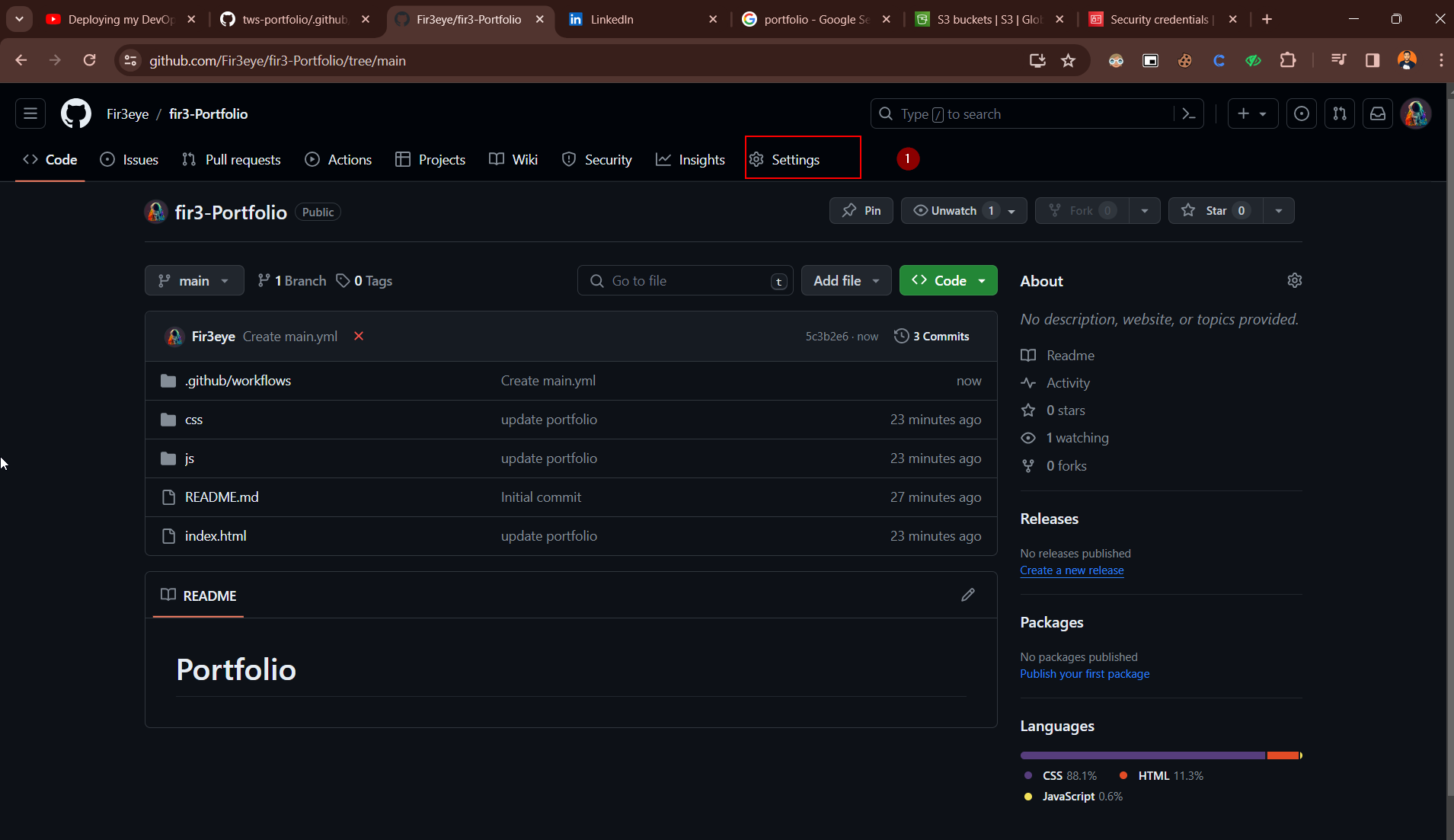
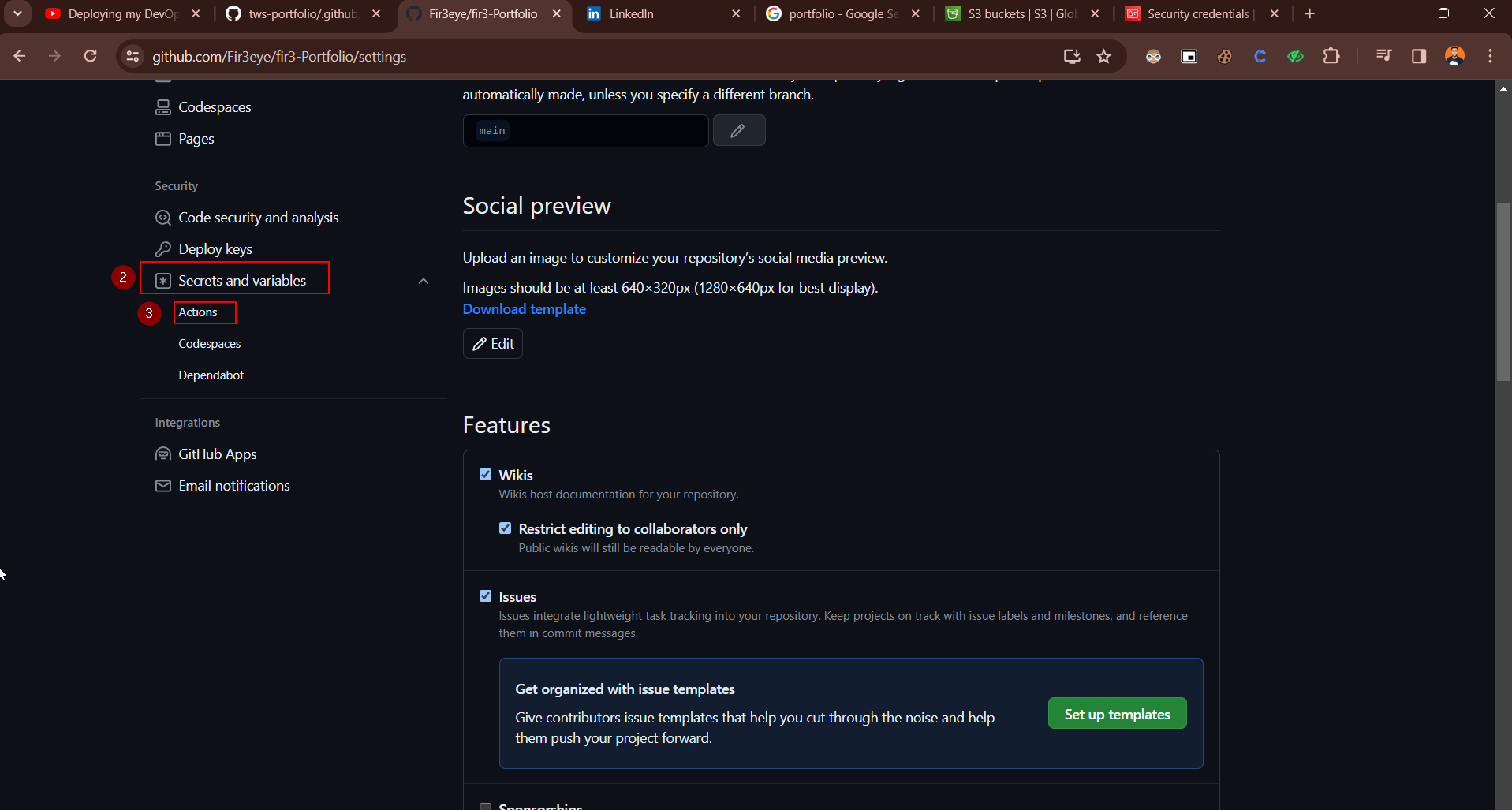
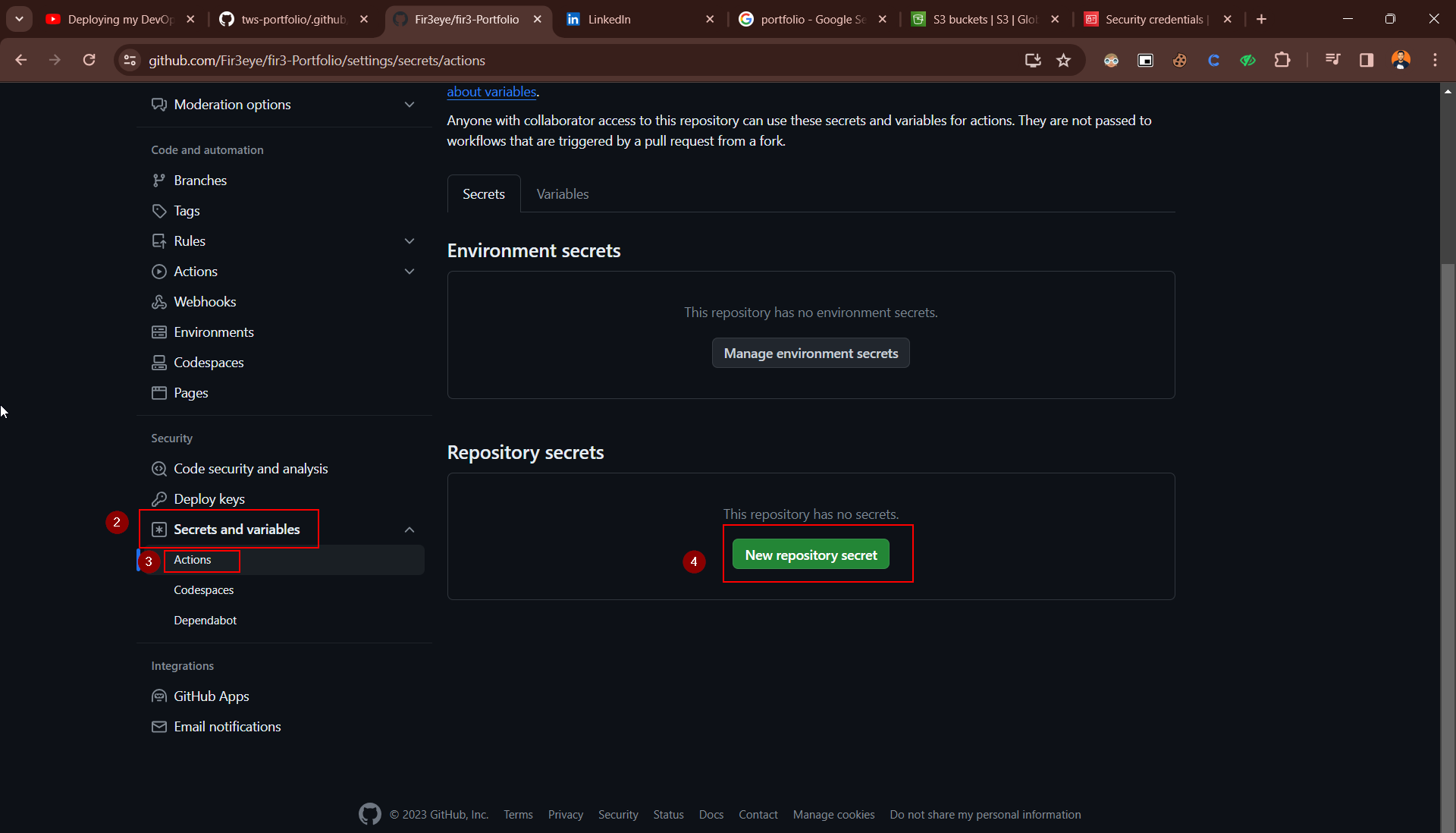
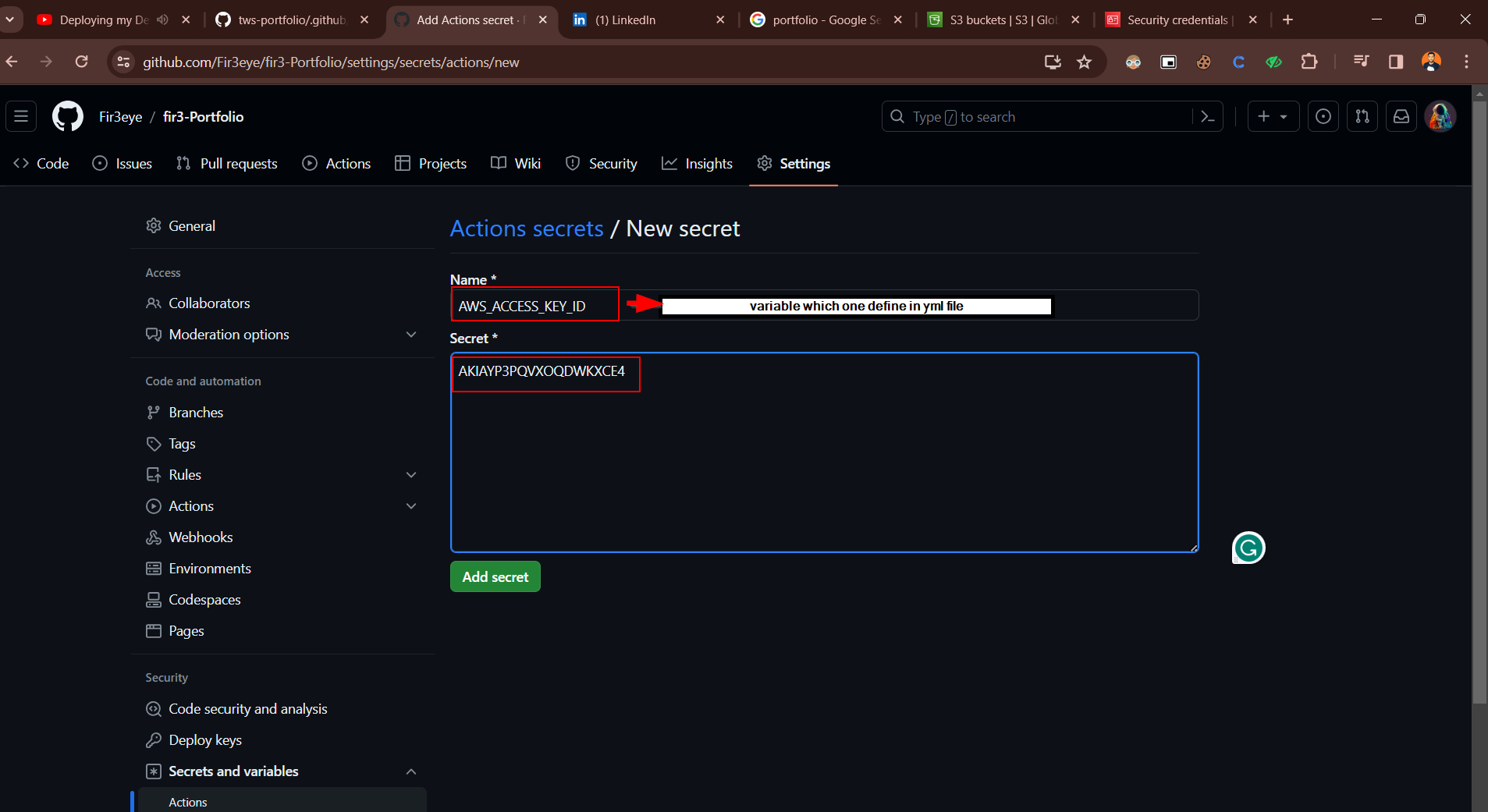
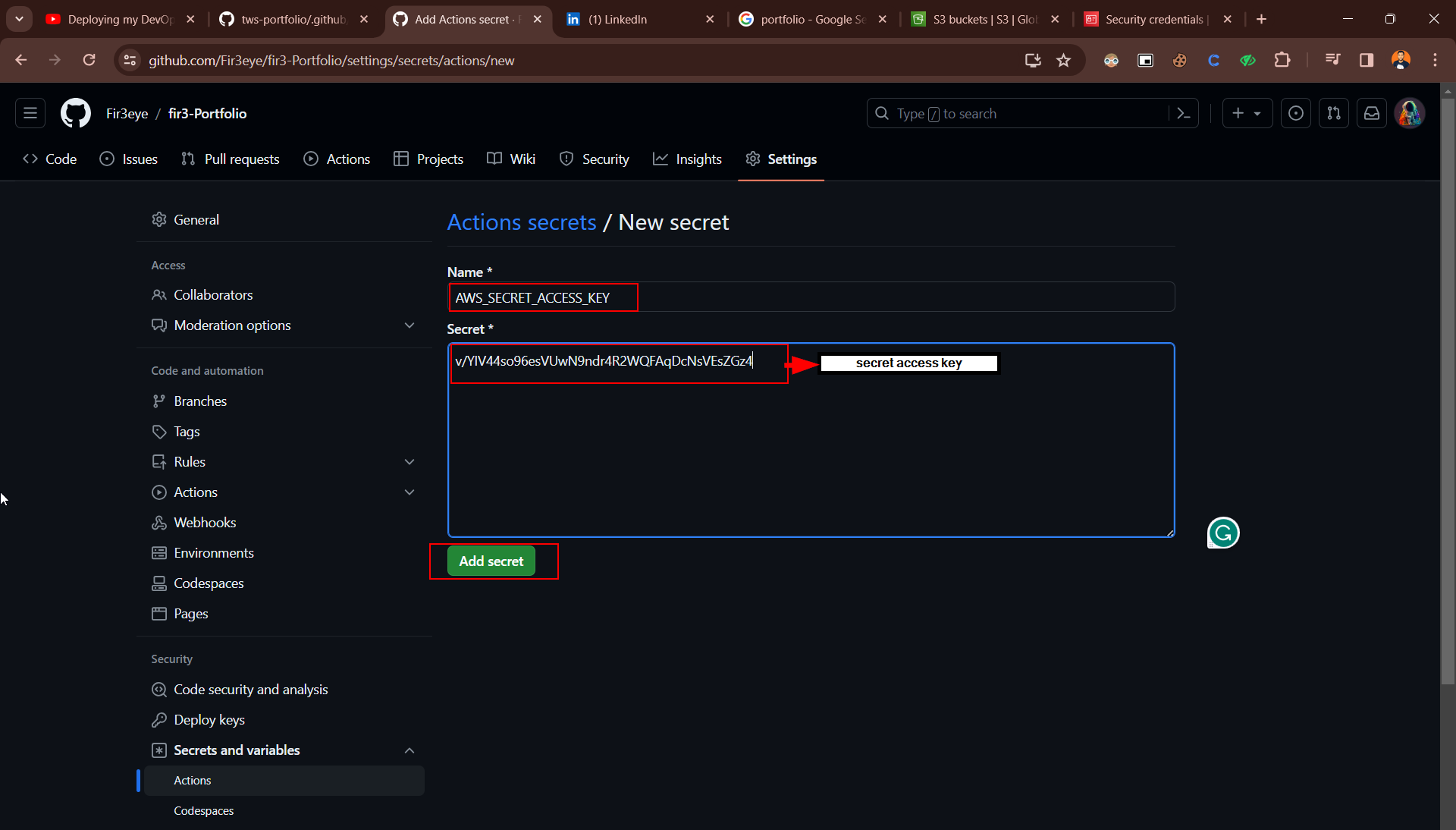
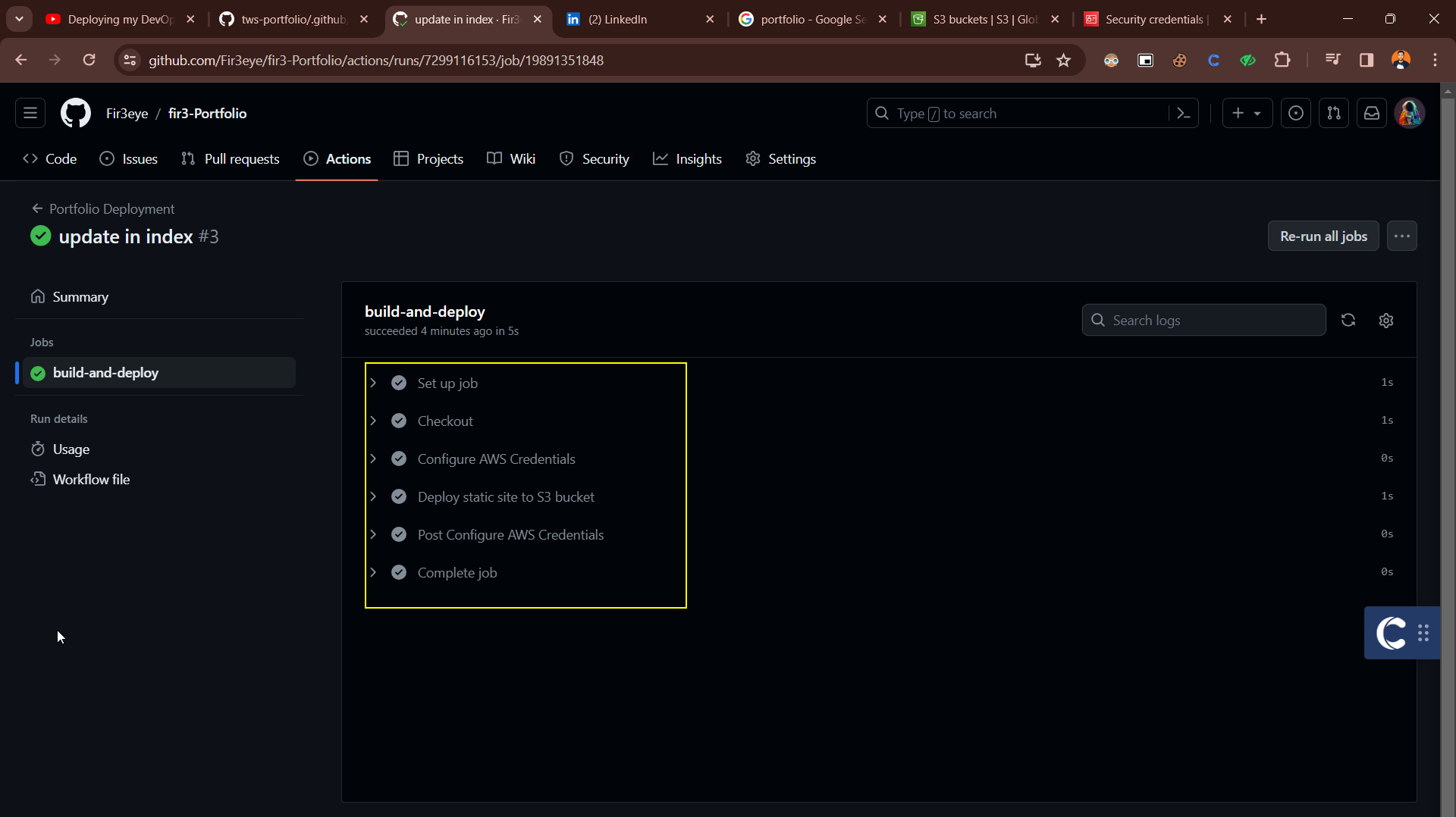
Click on GitHub Actions
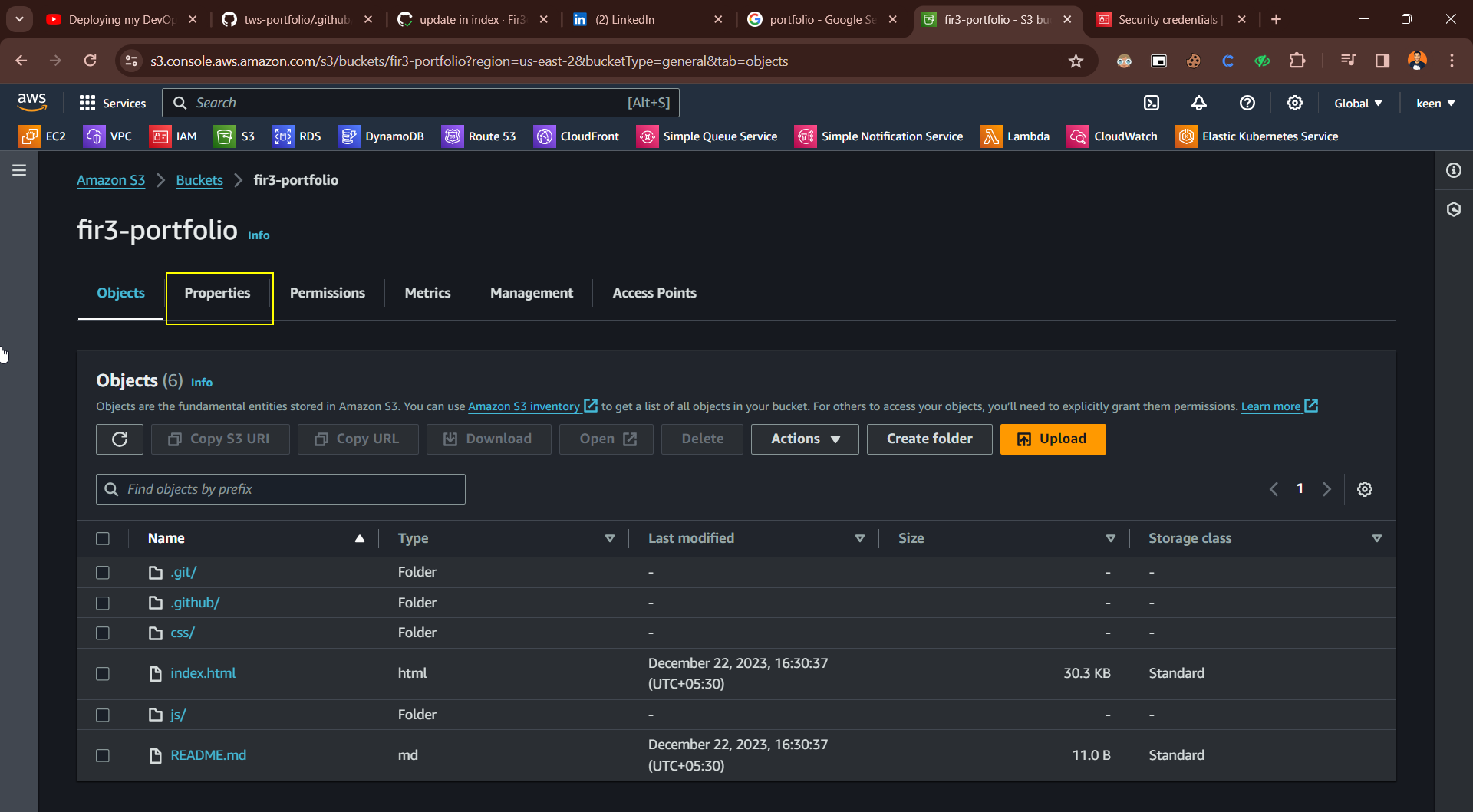
Show code in S3 Bucket
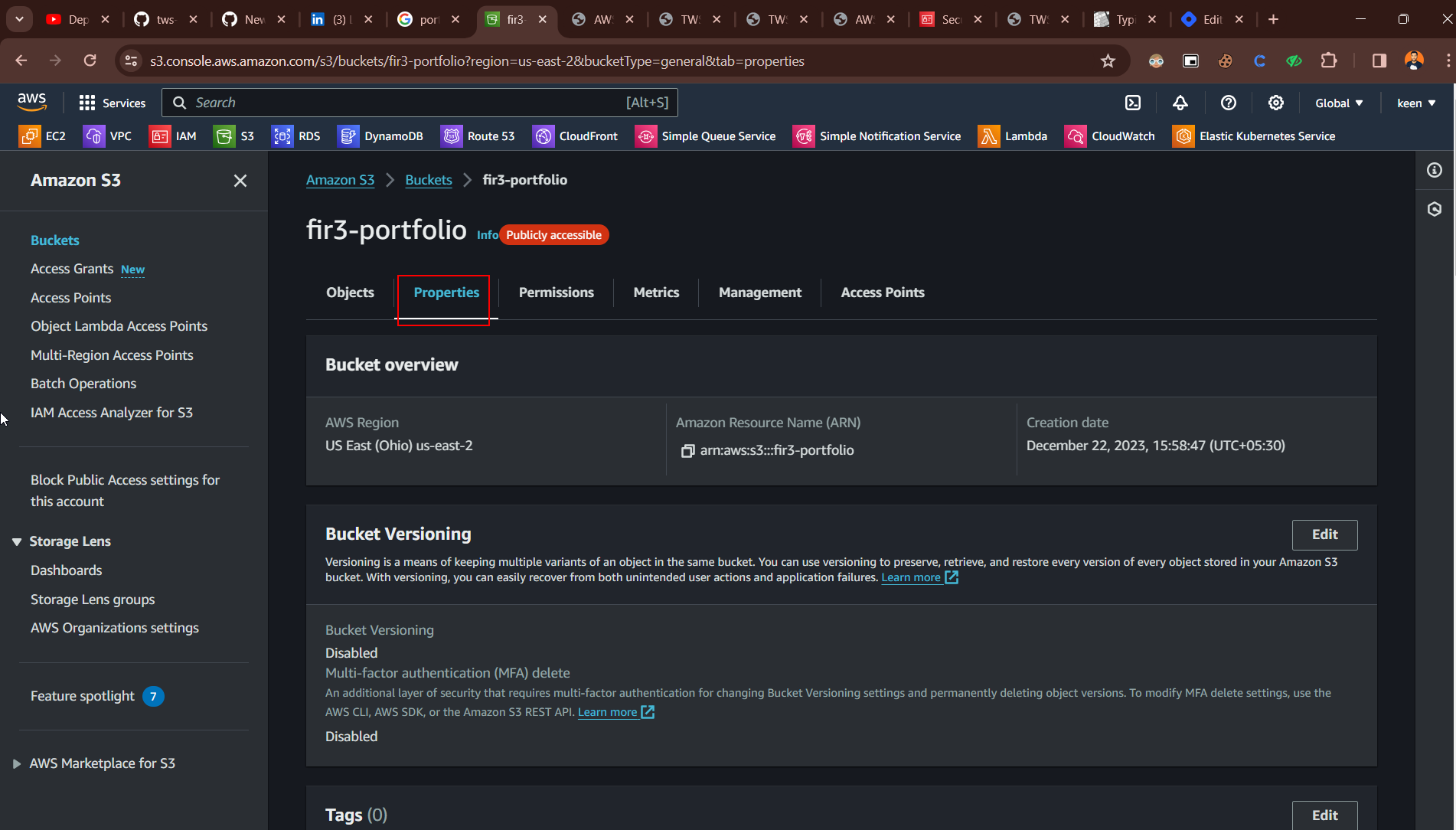
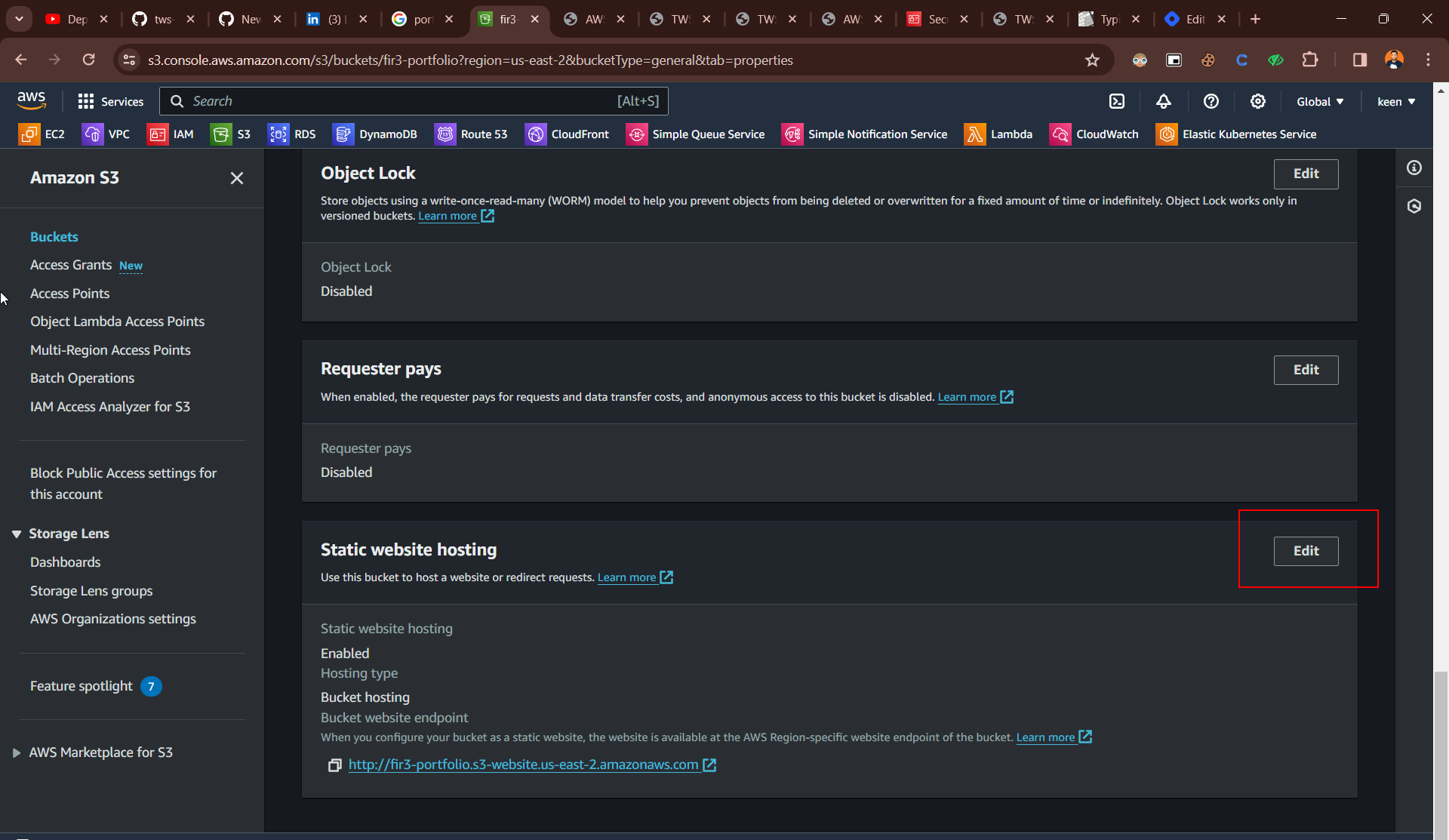
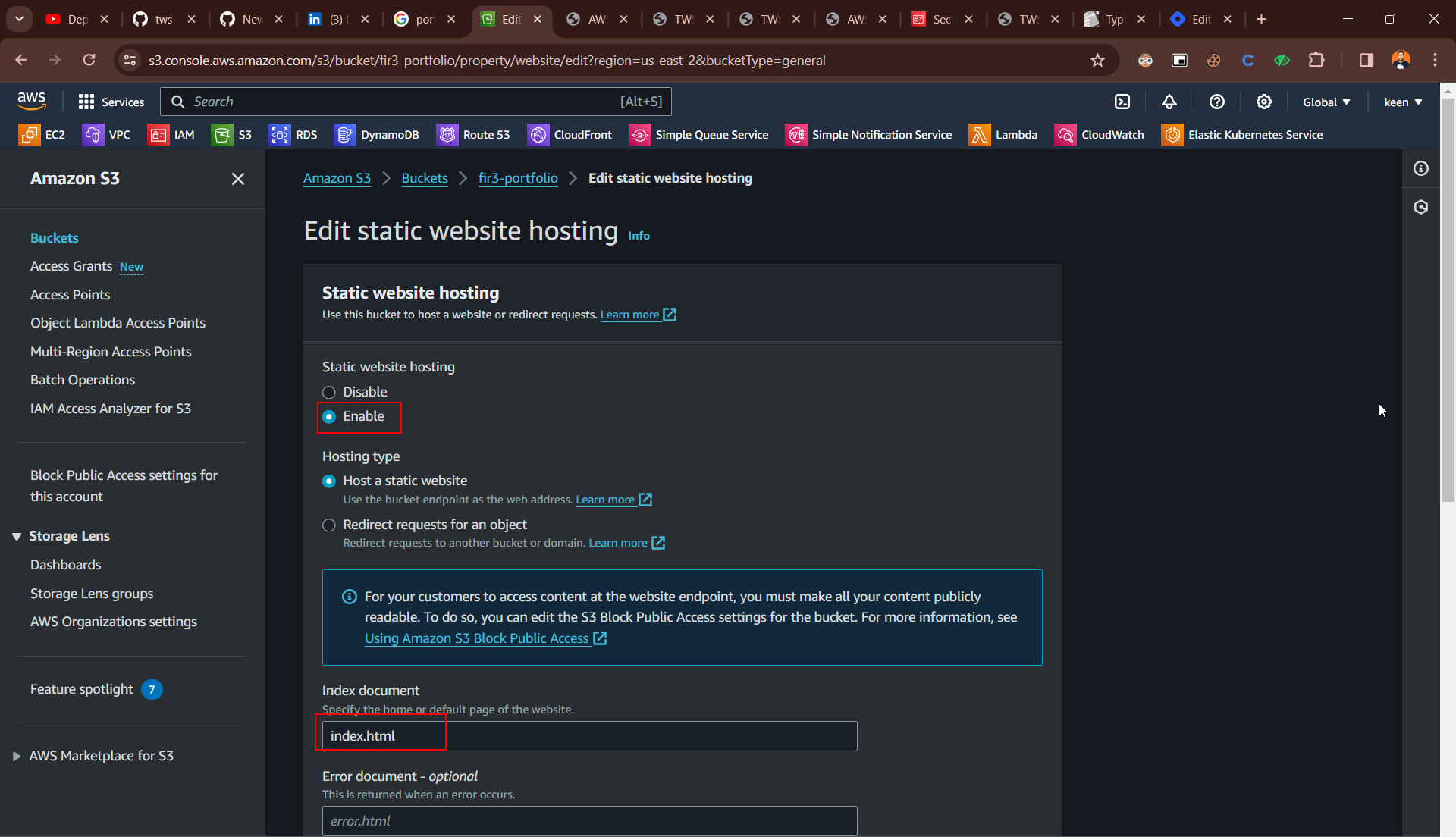
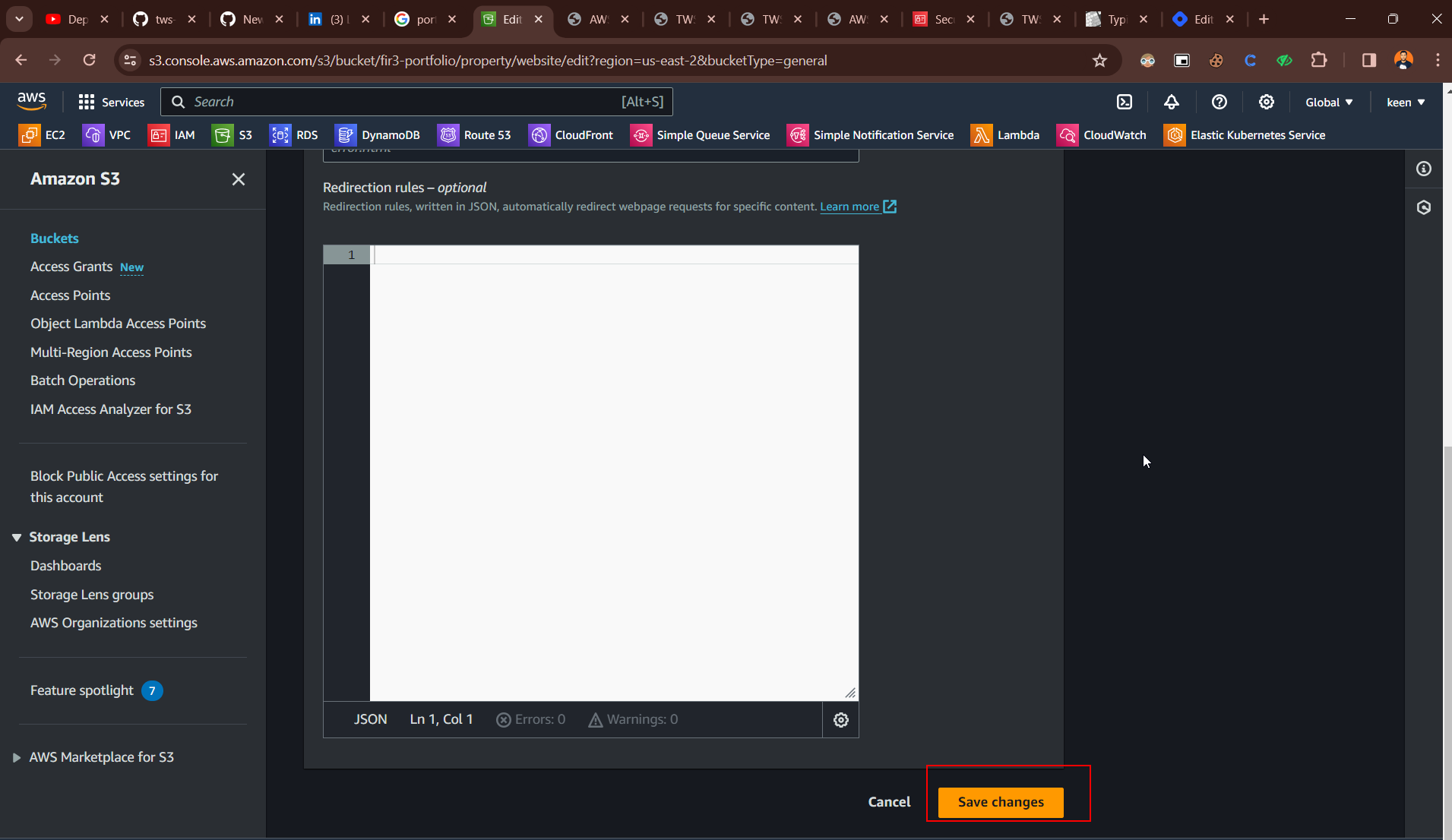
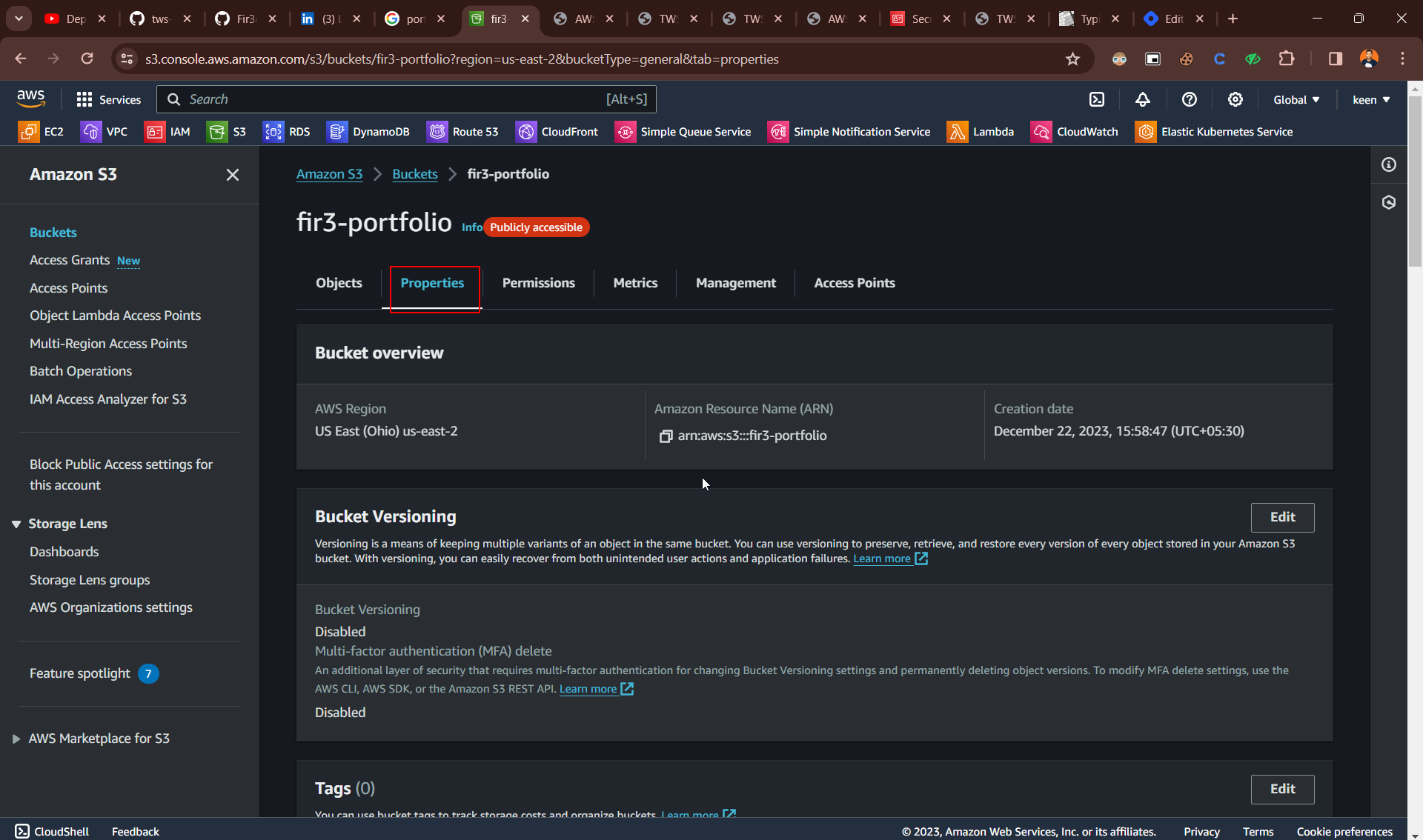
Enable Static Website
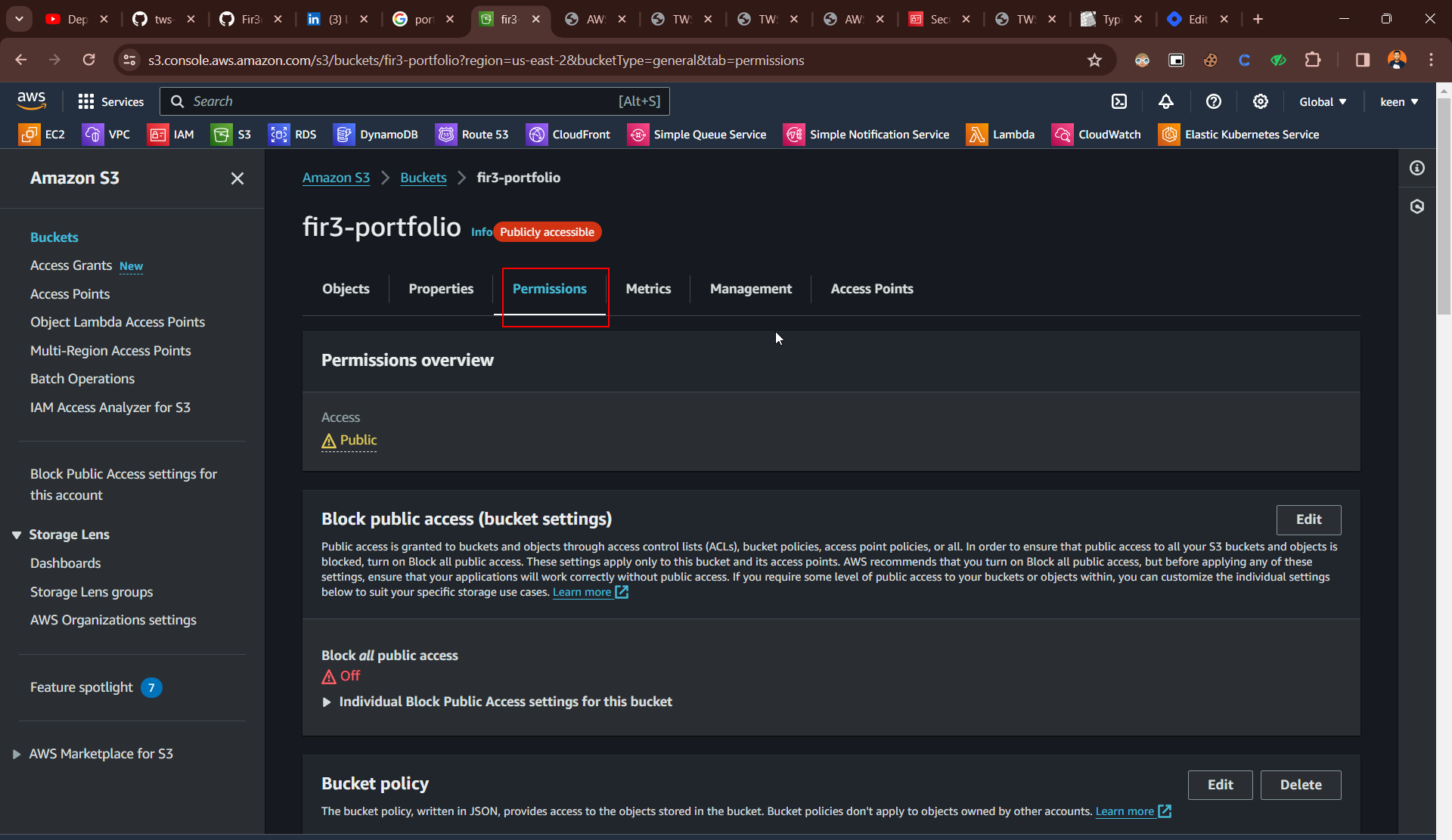
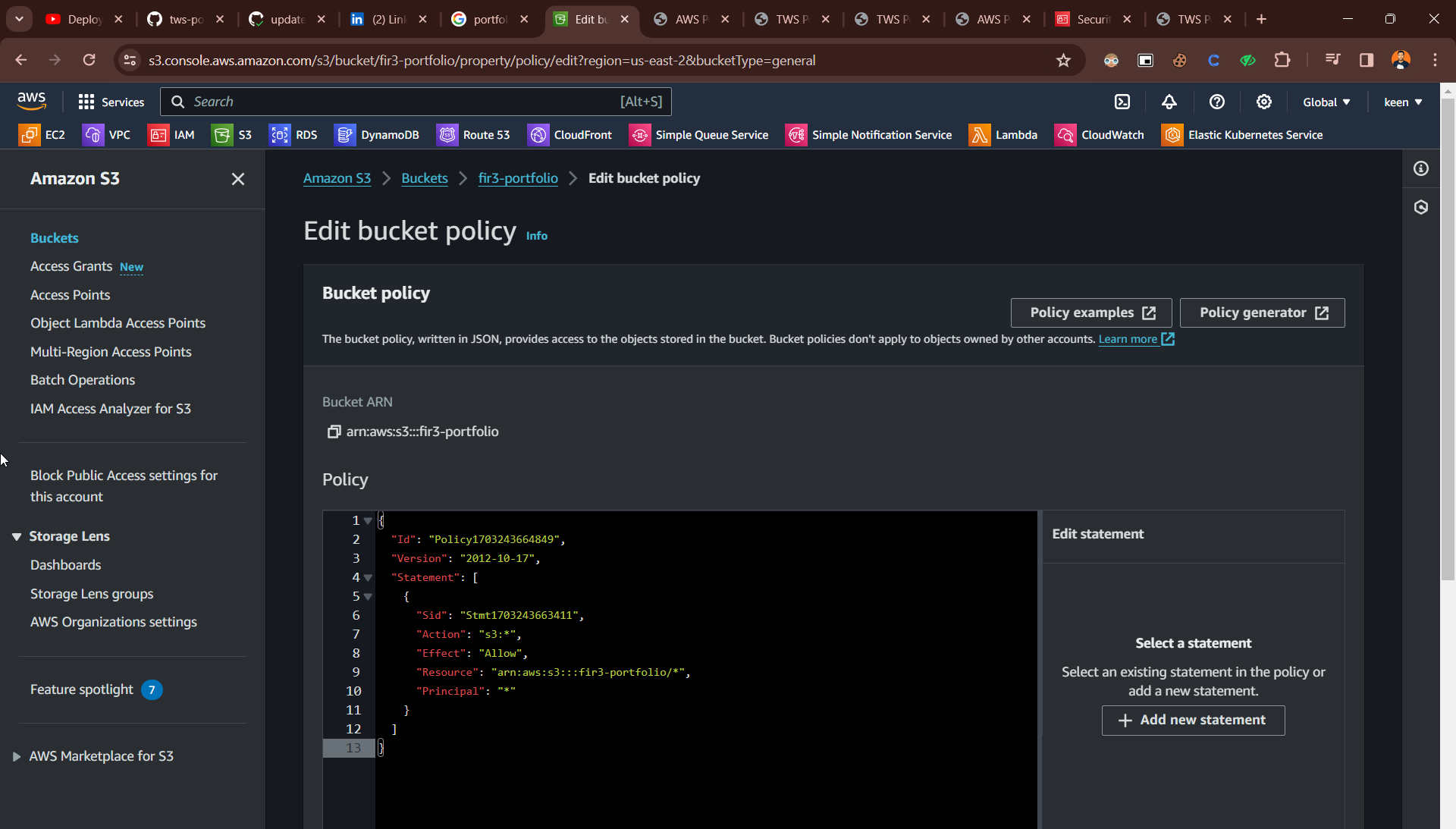
Create Policy
copy this code and change the bucket name
{
    "Version": "2012-10-17",
    "Id": "Policy1703243664849",
    "Statement": [
        {
            "Sid": "Stmt1703243663411",
            "Effect": "Allow",
            "Principal": "*",
            "Action": "s3:*",
            "Resource": "arn:aws:s3:::fir3-portfolio/*"
        }
    ]
}
Go and copy link
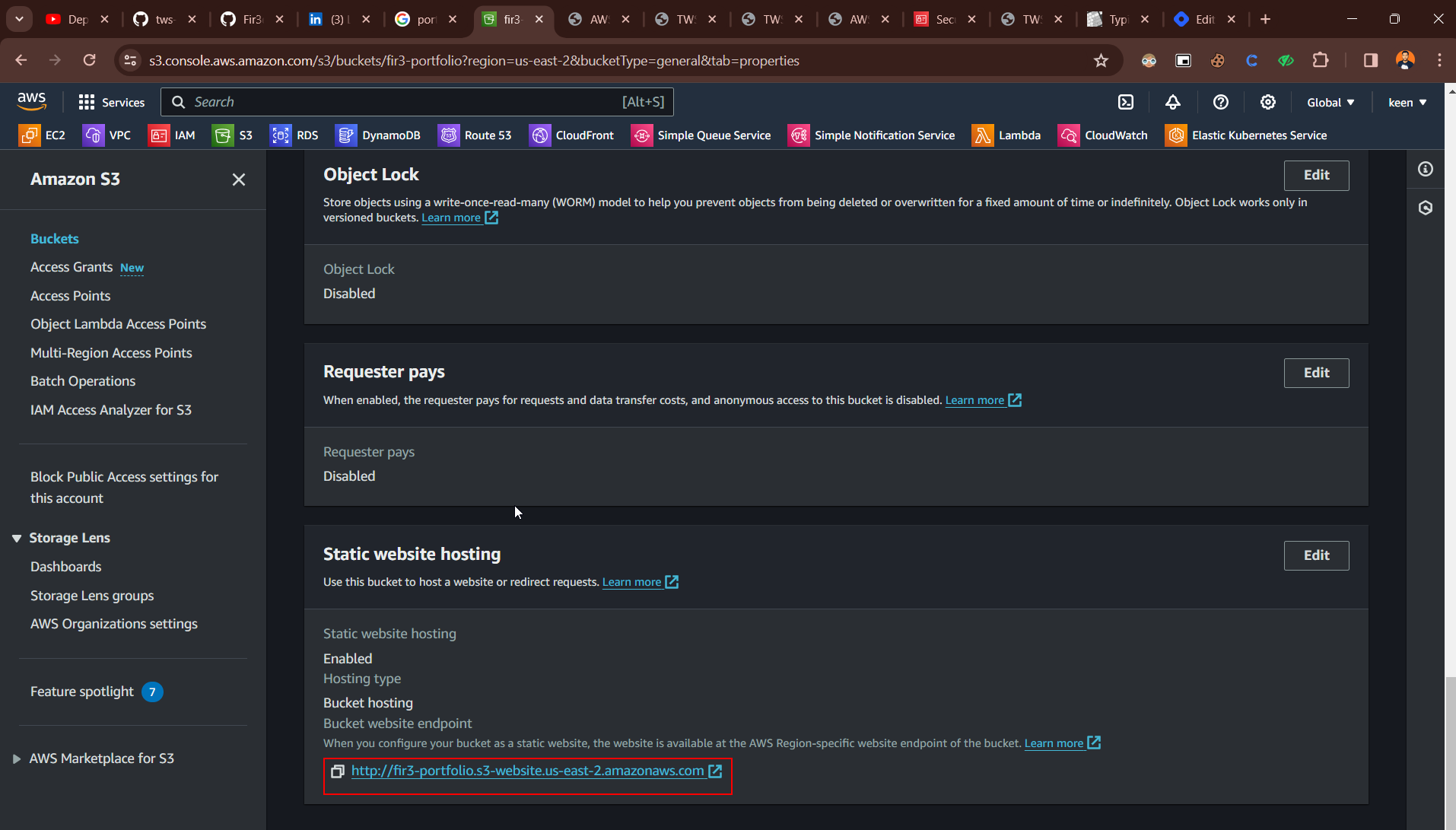
copy link on brower :-) keep learning